How to Make Your Own Logo Design for Free: A
Learn how to make a logo design for free. Get inspiration, pick tools, design in Word, Illustrator, Photoshop, and refine your logo safely.
Start here: make a logo design in one focused session
If you want to know how to make logo design, start by building a small plan first. A logo works best when it matches one idea: what you sell, who you serve, and what you want to feel. In one session, you can move from a blank page to 2–3 workable drafts.
Begin by writing three short lines. Line one is your business in six words or less. Line two is the customer benefit in plain language. Line three is the vibe, like “friendly and bold” or “clean and calm.” This keeps your design from drifting.
Next, choose a simple logo type. Most new businesses do well with a wordmark or a simple mark. Then decide if you will use colors now or later. It is easier to perfect shape and type first.
- Pick one goal for your logo: trust, speed, craft, or fun.
- Decide on one logo type: wordmark, letter mark, or simple icon.
- Generate 10 inspiration images in 10 minutes.
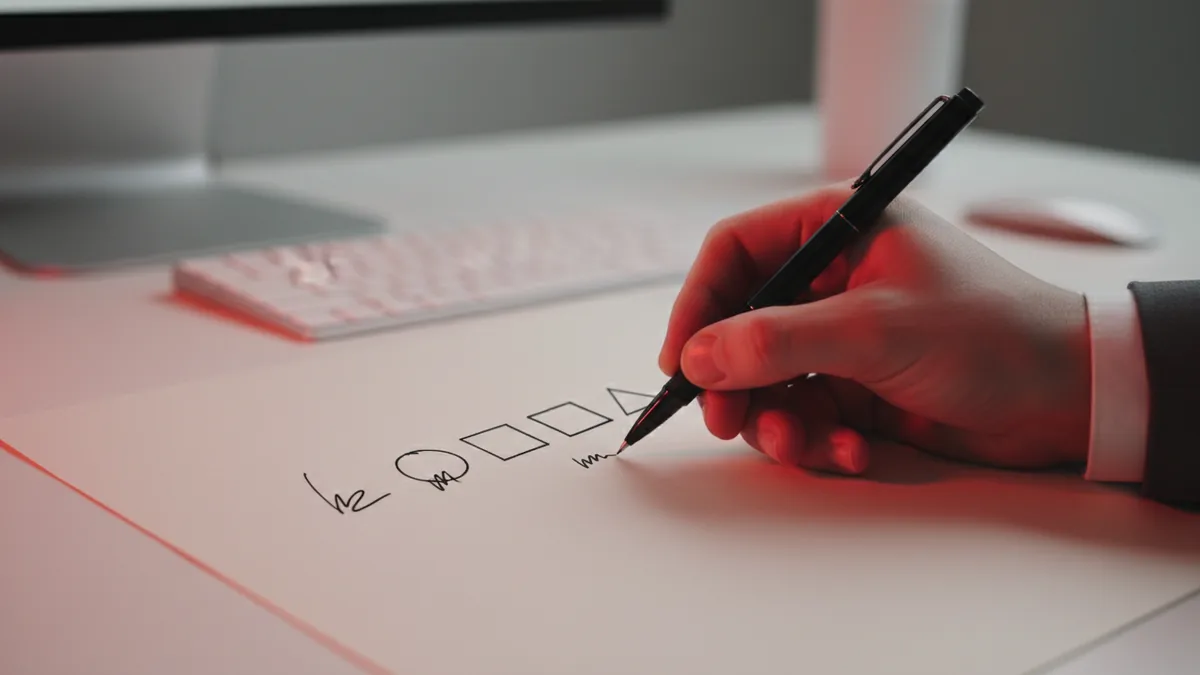
Get inspiration fast without copying anyone
Learning how to get inspiration for logo design helps more than collecting random images. Look for patterns that fit your goal, not for exact styles to copy. For example, a “local coffee shop” often uses warm colors and round shapes. A “tech support” brand often uses sharp edges and tight spacing.
Use a tiny search routine. Save one set of logos by your industry. Save another set by your vibe. Then save one set by your typography preference, like bold sans or elegant serif.
When you study each example, answer two questions. What is the main shape language? What is the type style and spacing like? This turns inspiration into choices you can reuse. You should also note what you will avoid.
- Choose three keywords for your vibe, like “bright,” “reliable,” “modern.”
- Save 10 logos that match those vibes.
- Write down the one element you like in each.
- Pick the common element to guide your first draft.
What software for logo design should you use?
The best tool for logo design depends on what you already have. If you need a fast way to get started, you can make a logo design in Microsoft Word using shapes and text. If you want cleaner vector results, Adobe Illustrator is usually the better path. If you want to explore effects or a more pixel-based look, Adobe Photoshop can help for early concepts.
Here is a practical way to choose. If your goal is a sharp, scalable logo for print and web, use vector tools. If your goal is a quick mark for a profile image, a simpler tool can work. Either way, you should keep your design simple at first.
| Tool | Best for | Typical output |
|---|---|---|
| Microsoft Word | Quick drafts using shapes and text | Image export for basic use |
| Adobe Illustrator | Clean vector logo design | SVG, PDF, and scalable files |
| Adobe Photoshop | Color tests and style mockups | PNG-style exports for preview |
If you are unsure, start with one draft. Then rebuild the best parts in a vector tool. This is how many teams go from “good idea” to “ready logo” without wasting time.

How to make logo design in Microsoft Word (quick and practical)
When people ask how can i make logo design, Microsoft Word is often the fastest answer. You can make a simple logo design in Microsoft Word using basic shapes, text boxes, and a consistent grid. This works well when you want a clean first version for a business card draft or a simple website header.
To make a logo design in Microsoft Word, set your page to a blank canvas first. Use a square layout, like a 10 by 10 inch page, or switch to a custom size. Then insert a shape for your main symbol. Keep it simple. A circle, rounded rectangle, or basic icon silhouette is enough.
Then add your name or short business text. Use one font family for the whole logo. Change weights if needed, like Regular for one part and Bold for another. For spacing, manually align the symbol and text blocks. Word will not give perfect typography, so you must check it by eye.
- Use one symbol shape plus one text block for a first draft.
- Limit colors to 1–2 plus a neutral like black.
- Export early to check readability on small sizes.
If you also need a letter mark, try using one big initial. Make it match the shape style you picked. This is a common route for how to make my own logo design when you do not want a complex icon yet.
How to make logo design in Adobe Illustrator (best for final files)
If you are ready to learn how to make logo design in Adobe Illustrator, focus on clean shapes and spacing. Illustrator is built for vector work. That means your logo stays sharp at any size. It is the usual choice when you plan to print and scale your logo for many uses.
Start by creating artboards in common sizes. Make one for a square version and one for a horizontal version. Then draw your symbol using basic tools like the Pen tool or shape builder. Keep strokes consistent. Avoid tiny details that look messy at small sizes.
For type, choose fonts that match your brand vibe. Use one type family for the main word, then a different weight only. Avoid mixing many fonts in a single logo. This is one of the biggest “logo design how to make” mistakes.
Finally, test legibility. Zoom out to 25% and 10%. If it becomes a blur, adjust the shapes. If you need more clarity, simplify. This step helps you make a great logo instead of a pretty mockup.
- Create an artboard and set your color palette.
- Build the icon with simple vector shapes.
- Add your wordmark and align it on a grid.
- Check spacing at small sizes.
- Export SVG and PDF for sharing.
You can still ask yourself, how to make logo design for business, even if you start in Illustrator. Businesses need logos that work on website, invoices, and social. Vector output is the easiest way to meet those needs.
How to make logo design in Adobe Photoshop (for color tests and mockups)
Adobe Photoshop is a useful place to test colors and styles quickly. When you want how to make logo design in Adobe Photoshop, use it for experiments, not for final production. Many designers create a concept here, then rebuild the final in Illustrator.
Start by importing your draft, or create a simple canvas with a transparent background. Then test color palettes. Try one main color, then one accent, then a neutral. For example, if you pick a blue base, try a teal accent and a near-black for text.
Add mockups to see how your logo reads in context. Place it on a small badge, a banner area, or a product label. Keep the mockup realistic. This helps you evaluate contrast and clarity, especially for how to make logo design free when you must decide quickly.
- Test contrast in grayscale first.
- Keep icon edges clean, even in Photoshop.
- Use mockups to check small-size readability.
If you find a version you like, do not keep tweaking forever. Move the best shapes into a vector tool later for a final logo you can scale.
Design rules that help you get better at logo design
When you practice logo design, the goal is to improve decisions. Focus on alignment, spacing, and simplicity. Most beginner logos fail because the layout is unbalanced, not because the idea is bad.
To get better at logo design, use a repeatable critique checklist. First, check hierarchy. Does the viewer read the business name first? Second, check shape consistency. Are curves and corners mixed randomly? Third, check color. Can it work in black and white?
Then improve one thing per draft. For example, keep the same icon and adjust only spacing and type weight. This creates measurable progress. It is also how you can make your own logo design for free without losing time in endless redesigns.
- Make one new draft per day for five days.
- Keep the same brand words each time.
- Change one design variable per draft.
- Save a “winner” each day, even if it is rough.
If you already have a logo design now what?
Once you have a logo design now what, focus on packaging and usage. You need files that work on different surfaces. A good logo set includes at least a color version, a black version, and a white version.
Also plan for size. Social profiles, favicons, and print all need different scaling. If your design is vector, this is easy. If your design started in Word, you should still test exports and look for pixelation.
If you plan to hire help later, you may need to know how to quote for a logo design. Even if you do it yourself, understanding quotes helps you compare what is fair. Ask what files they will deliver, like vector and transparency exports. Ask if they include revisions and how many rounds are included.
For licensing and risk, avoid using random images you do not own. A logo is branding, and your business needs a unique mark you can use safely.
- Export versions: color, black, and white.
- Keep a transparent PNG and a vector file.
- Test at small size and large size.
Common paths: how to make logo design for free and for your name
Many people start with how to make my own logo design for free because budget is the constraint. The simplest free path is building a wordmark first. If your brand is personal, a name logo can be powerful. You can make name logo design with strong typography and one simple symbol.
To make a logo design for free, decide your limit. If you will use Word, build one clean draft. If you have Illustrator, rebuild the best part there. Then you can export the final for use without paying for extra design services.
If you want how to make logo design in computer or how to make logo design in mobile, focus on the same idea. Keep it simple. Use a clear type choice and a basic symbol. Mobile tools are fine for quick drafts, but final files usually need a vector export.
When you ask how to make a logo design, the biggest unlock is starting small. Your first draft does not need to be perfect. It needs to be workable so you can refine it into a logo you can actually use for marketing.
Quick answers to help you finish your logo
It is normal to get stuck at the last step. You may wonder how to make your own logo design, or you may ask how to make logo design in computer tools. Use this shortcut: pick one logo direction, make two drafts, then choose one winner.
If you want how to make logo design free without confusion, pick a single workflow. Draft in Word for speed, test colors in Photoshop, then finalize the vector in Illustrator. This way, you get both speed and quality.
Finally, if you are thinking how we make logo design, treat it like a small product. Each change should improve readability, balance, or brand fit. When those goals improve, you are making progress.
FAQ
- How to make a logo design for free without design skills?
- Start with a wordmark or simple letter mark. Make two drafts in Word or a free editor, then refine spacing and color.
- Can I make logo design in Microsoft Word?
- Yes. Use shapes and text boxes, keep colors limited, and align everything on a grid for a clean first draft.
- What software for logo design is best for a professional final?
- Adobe Illustrator is often best for scalable vector logos. Photoshop is best for quick color tests and mockups.
- How do I quote for a logo design if I hire someone?
- Ask what files you will receive, such as vector formats and transparent exports. Also ask how many revision rounds are included in the price.
- I have a logo design now what files do I need?
- Export at least color, black, and white versions. Keep a transparent PNG and a vector file so your logo scales for web and print.