YouTube How to Make a Logo: A Practical Workflow
Learn a clear process for creating a logo from sketches to export. Includes tips for learning on YouTube and avoiding common design mistakes.
Start with a result: what your logo should do
If you want to learn youtube how to make a logo, begin by deciding what the logo must accomplish. A logo should work at small sizes, stay readable in one color, and match the tone of the brand. Most redesigns fail because the creator skips this early target.
Set three non-negotiables before you open a design tool. For example, your mark should fit inside a 48px square and still be recognizable. It should also look fine in black and white, not just in full color.
Then pick the logo style that fits your use. A simple wordmark often suits content brands. A simple icon can work better when the name is long or hard to remember.
- Legibility: clear at 48px and on a phone thumbnail
- One-color test: works in black only
- Style match: fits your brand voice
Collect ideas fast, then turn them into a short brand brief
When people search youtube how to create a logo, they often jump straight into templates. That is why their first designs feel generic. Instead, gather references for one hour and convert them into choices you can defend.
Write a brief in plain language. Include the brand purpose, who it serves, and what feeling the logo should give. Then list three words you want and three words you do not want.
Next, collect five logo examples you like and five you dislike. Do not copy them. Use them to identify patterns like line weight, shapes, and typography style.
- List your brand’s purpose in one sentence
- Pick 3 “good” words and 3 “bad” words for the vibe
- Choose a logo type: wordmark, icon, or both
- Note common traits from liked examples
Sketch concepts before you design on screen
To follow youtube how to design a logo effectively, sketch first. Sketching removes tool friction and helps you explore 20 ideas instead of one. It also lets you test meaning before worrying about fonts.
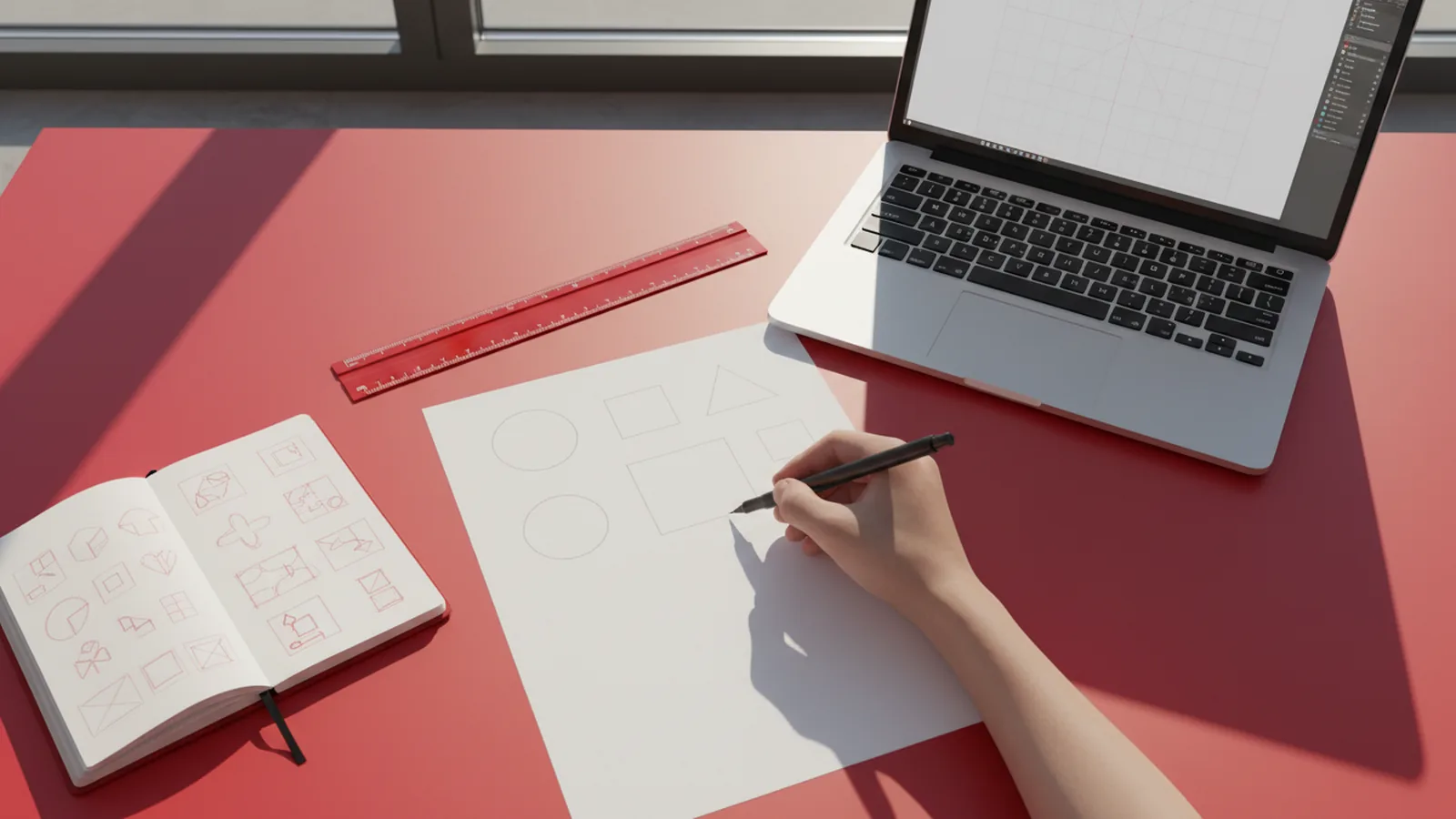
Use quick shapes. Start with circles, squares, and triangles. Then combine one shape theme with one symbolism theme from your brief.
Give yourself tight timeboxes so you do not overwork. Try 10 minutes per concept. If you find a good direction, refine it with cleaner silhouettes.
| Phase | Timebox | Goal |
|---|---|---|
| Thumbnails | 20 minutes | Generate 10–15 rough ideas |
| Silhouette picks | 20 minutes | Choose 3 best silhouettes |
| Detail pass | 30 minutes | Clarify one concept’s key features |
Design the logo in vector, then test it in real places
Most good youtube how to make logo tutorials end with “export your files.” The real work is testing. You want to know if your logo holds up on actual surfaces like a channel icon or website header.
Build the logo in vector from day one. Vector lets you scale cleanly and keeps edges sharp at any size. Keep your design simple: fewer shapes are easier to match across sizes and uses.
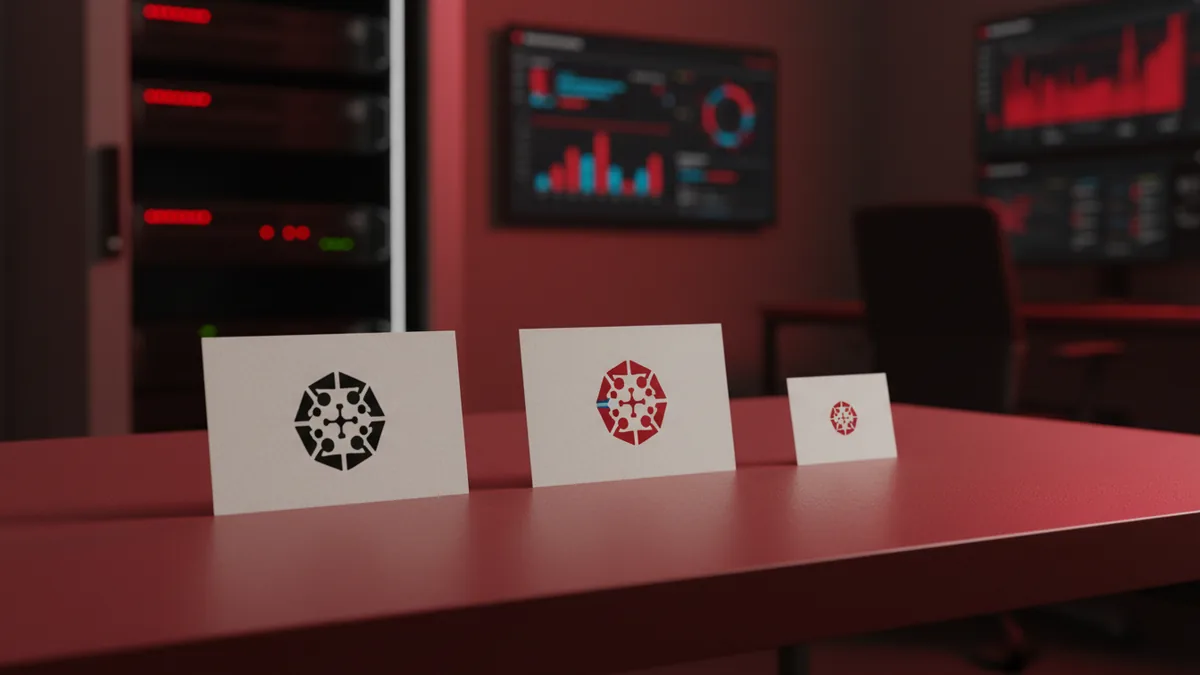
Make three versions of your concept. Create a full color version, a one-color version, and a version that works without spacing constraints.
- Color version: for banners and hero sections
- Black-and-white: for stamps and print
- Small lockup: optimized for icons
Then run practical tests. Scale your icon down to thumbnail size. Place it over a busy background. Reduce contrast until it is still distinguishable.
Common fail point: a logo that looks crisp on a desktop canvas, but collapses at 32–64px.
Pick typography and spacing that work at every size
Typography is where many youtube how to create a logo guides feel vague. You need rules that prevent readability issues. Choose a font style that matches your brand words, then adjust spacing intentionally.
Start with letterforms. If you use a wordmark, ensure the most “crowded” letters still separate. Check at small sizes, not just at 200% zoom.
Then focus on spacing. Track (letter spacing) and kerning (pair spacing) can make a logo look polished or messy. Use consistent spacing steps across your wordmark.
- Choose a font that fits the vibe: rounded, sharp, or neutral
- Set an initial size so the word fits your icon grid
- Adjust kerning on tricky pairs like A/V or T/o
- Run the one-color test for the wordmark too
Also watch alignment. If your icon and wordmark have different cap heights or baseline positions, they will feel “off” even if the design seems correct. Align them using a grid, not eye-balling.
Export and package your logo files correctly
When you search youtube how to design a logo, you usually see export steps. Packaging is still important because you will use the logo in places with different constraints. If you export only one format, you will rework later.
Create a small set of files that cover most needs. Use vector as your source of truth. Then export raster sizes for fast loading and easy sharing.
| File type | Best use | Typical sizes |
|---|---|---|
| SVG (or vector) | Web and future edits | Any scale |
| PNG | Transparent backgrounds | 512px, 1024px |
| Print workflows | Full document | |
| JPG | Fast previews | Small sizes like 1200px |
Export your logo in both color and one-color. Keep clear names so you do not guess later. A good naming system includes the brand name, version, and background type.
Finally, store your editable master file in version control if you can. It prevents lost work and makes future edits safer.
How to learn from YouTube without copying blindly
It is tempting to treat youtube how to make logo tutorials like a one-click recipe. The better approach is to learn the method and apply it to your brand. Watch for decisions, not just finished visuals.
During the video, write down what the creator changes. Track choices like color count, grid size, and how they test at small sizes. If you cannot explain those choices, replay the moment and compare it to your brief.
Use a “two-project rule.” Follow one tutorial using a fake brand first. Then use the same workflow on your real logo. You will improve without inheriting someone else’s design.
- Pause and replicate key steps, not just the final look
- Keep your brief visible while you design
- Test every draft at thumbnail size
- Swap one variable at a time, like color or type
FAQ
- How long does it take to create a logo from scratch using a YouTube workflow?
- A first pass often takes 2–6 hours, depending on how many concepts you sketch and test. A polished version usually takes another session or two for typography and spacing checks.
- What software should I use when following youtube how to make logo videos?
- Any vector tool works as long as you can export SVG and scale cleanly. If you are new, pick one app and stick to it for your first project.
- Should I copy a logo style I saw in a video?
- You should copy the method, not the design. Use examples to guide choices like shapes and line weight, then build unique silhouettes.
- What are the most important logo tests before exporting files?
- Test one-color readability, check at thumbnail size, and place the logo on a busy background. If it fails one test, revise the shapes or spacing.
- What file formats do I need for a complete logo package?
- Keep your editable vector file, then export SVG for web and PNG for transparent previews. Add PDF for print and JPG for quick sharing.