How to Create a 3D Logo: Design, Tools, and
Learn how to create a 3D logo from scratch, choose the right tools, and animate it—plus options for online logo makers and branding tips.
What makes a logo “3D” (and why brands use it)
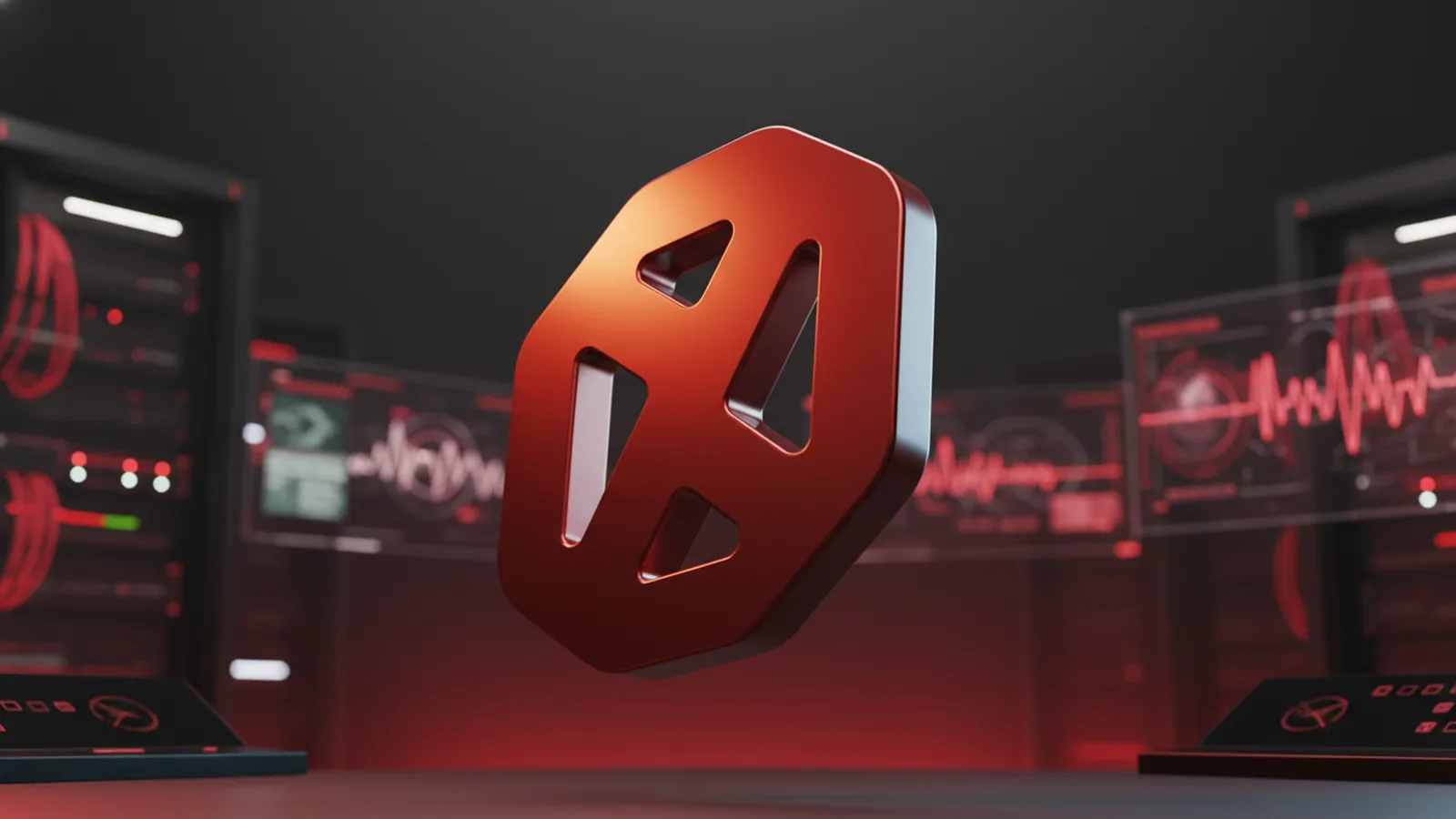
A 3D logo is a logo built with depth, so parts look raised, inset, or extruded from the surface. You create that depth with an actual 3D model, or with a strong “3D illusion” using shading and perspective. The result should look consistent across sizes, backgrounds, and motion.
The key advantage is visual clarity. Depth cues make your logo stand out in busy places like apps, product pages, and video intros. A 3D logo also supports motion design, so the brand can feel more modern without changing the core mark.
For branding, the goal is not “more effects.” The goal is better recognition. When the form reads fast and stays on-brand, depth becomes a feature, not a distraction.
- Depth: extrusions, bevels, and consistent lighting.
- Legibility: strong silhouette at small sizes.
- Consistency: the same colors and highlights across uses.
- Motion-ready: layers that animate cleanly.
Tools you can use for 3D logo design and animation
You can create a 3D logo with a full 3D workflow, or with a vector-to-3D workflow. For most teams, the practical path is to design clean shapes in vector tools, then convert to 3D for rendering and animation.
Adobe Illustrator is a common starting point because it handles vector graphics well. You can build crisp logo shapes, set up color schemes for 3D logos, and prepare layers for later steps. For animation, Adobe After Effects is widely used because it integrates with After Effects-style motion design and compositing.
Another option is to build the 3D model in a dedicated 3D tool and then bring renders into After Effects. That can be faster for complex materials and camera moves. But you still need clear 3D animation techniques, like consistent lighting and simple, readable motion.
| Tool | Best for | Typical output |
|---|---|---|
| Illustrator | Vector logo setup and preparation | SVG or layered vectors |
| Photoshop | Texture, shading tests, export finishing | Shaded assets and plates |
| After Effects | Logo animation and compositing | Animated video or transparent renders |
| 3D software (varies) | Actual extrusion and materials | 3D renders or image sequences |
If you are searching how to create 3d logo design quickly, start by choosing the tool chain you already know. A simple vector-to-3D-to-After-Effects pipeline often beats learning everything at once.
Step-by-step: how to create a 3D logo from scratch
There are two parts to good 3D logo work. First, you need solid 3D logo design principles. Second, you need a workflow that keeps geometry, colors, and typography in a workable form.
Step one is to define the logo’s job. If it’s for a 3D business logo in an app icon, your mark must hold at 32 to 64 pixels. If it’s for video intros, you can afford more detail, but the silhouette must still read instantly.
Now build the design in a way that supports depth. Use vector graphics for logos, but think like a modeler. Avoid tiny shapes that will blur when extruded and shaded.
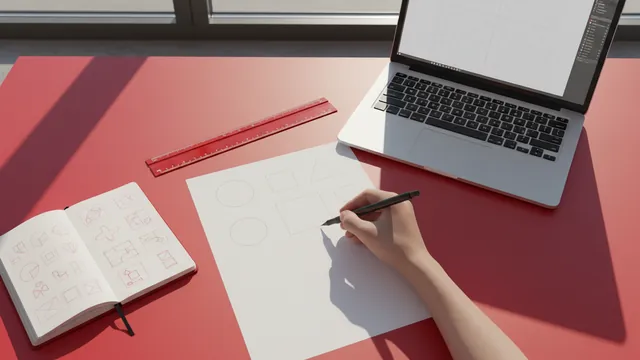
- Sketch the mark and pick a perspective: Decide which way the “light” will come from. This drives highlights and shadow placement.
- Create clean vector shapes: Build your icon and any typography with consistent stroke weights and spacing. Keep curves smooth and aligned.
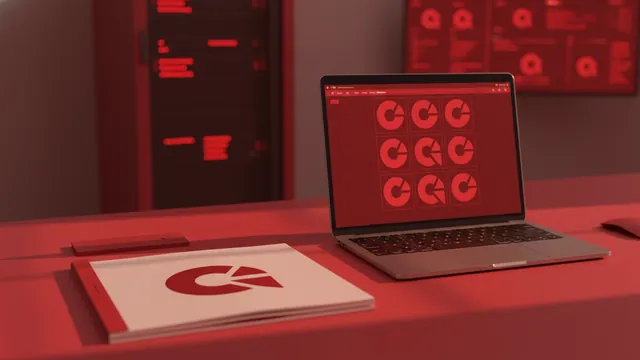
- Define your color scheme: Choose a base color, highlight color, and shadow tone. Limit the palette to reduce muddy 3D animation.
- Plan bevels and extrusion depth: Start with modest depth. Over-extruding text can make it look cheap or unreadable.
- Extrude or simulate depth: Either generate a 3D mesh or use a controlled shading workflow. Keep edge bevels consistent.
- Test legibility: Render a small preview. If the logo loses meaning, simplify shapes and reduce detail.
- Export layered assets: Keep separate parts when possible. Layers help later when you want a spinning logo.
Typography in logo design is where 3D marks often fail. Use readable letterforms first, then add depth. A good trick is to keep extrusion uniform across letters, so your shadows feel intentional.
If you are asking how to create 3d logo in illustrator, treat Illustrator as your “shape discipline” tool. Build the final vector first, then use it as the basis for extrusion in your chosen 3D workflow.
How to create 3D logo animation (with an After Effects example)
Animation should serve the brand mark, not fight it. For a how to make 3d spinning logo, start with a simple camera and a controlled rotation. Then add subtle depth changes, like a moving light or a gentle ease-in.
In After Effects, you typically animate a 3D layer, or you composite renders and then animate the scene. A common workflow is to export your 3D logo as transparent PNG sequences or as a render with alpha. Then you bring it into After Effects and animate rotation and timing.
Here is a practical After Effects approach to how to create 3d logo animation with a “spin and settle” motion.
- Import your logo renders: Place the logo assets on a new composition. Use the same scale you plan for final delivery.
- Set up a clean background: Choose a background that matches your branding. For testing, use a flat color first.
- Create a light-aware motion: If you have separate highlight layers, animate them slightly. If not, keep lighting consistent and rely on rotation.
- Animate rotation: Use rotation keyframes to spin 0 to about 360 degrees. Add an ease curve so it accelerates then slows.
- Add a short “settle”: After one spin, rotate back a few degrees. This makes the logo feel physical.
- Enhance with motion blur: Turn on motion blur for the layer. Keep it subtle so edges do not smear.
- Export for multiple uses: Export at least one high-quality video file. Also export a still frame for thumbnails.
This workflow supports how to create 3d logo animation for intros, product videos, and social posts. It also lets you reuse the same logo with different backgrounds and durations.
If you specifically want how to create 3d logo in after effects, focus on compositing and timing. If you want true 3D extrusion, you will usually bring in renders from your 3D stage.
Exploring online logo makers for 3D logo design
Online tools can speed up how to create 3d logo online, especially when you need a quick first version. These platforms are often user-friendly logo makers with templates and built-in depth effects. They may not match a fully custom workflow, but they can be great for early testing.
Look for platforms that offer logo customization options like text extrusion, color schemes for 3D logos, and export formats. Also check whether you can download transparent backgrounds. That matters for branding consistency across websites and video overlays.
When deciding between how to create 3d logo online free and paid options, compare your control needs. Free tiers often limit export resolution, fonts, or branding elements. Paid tiers can unlock better exports and more customization.
- User-friendly logo makers: Great for fast mockups.
- Template-based 3D styles: Useful when you want quick depth.
- Export controls: Choose formats that fit your pipeline.
- Brand consistency: Ensure colors and shapes stay stable.
If you want how to create 3d logo design with maximum polish, online tools are a starting point. Then refine the mark with a vector and animation workflow for final assets.
Using 3D logos in brand identity and visual communication
A 3D logo should not be treated like a one-off effect. It is part of your visual system, so it needs rules for when and where it appears. Decide which versions you will use: a flat version for tiny spaces and a 3D version for motion and hero placements.
The role of logos in brand identity is recognition at a glance. Depth helps recognition when it supports the brand style. If your brand is minimal, use subtle bevels and restrained highlights. If your brand is playful, use bolder shapes and more visible shading.
For delivery, build an asset set you can reuse. For a 3D business logo, you usually want a transparent PNG render, an animated version, and a fallback flat SVG or PNG. Then you can keep your product pages and video ads consistent.
| Brand use | Recommended asset | Why it works |
|---|---|---|
| App icon | Flat or lightly shaded mark | Stays legible at small size |
| Website hero | 3D render on a clean background | Depth reads in stills |
| Social video | Short loop or spin animation | Motion boosts recall |
| Product intro | Animated rotating logos | Feels polished and premium |
Finally, keep your motion rules consistent. If you use a specific rotation speed for a spinning logo, reuse it across campaigns. That builds a recognizable “brand movement” style.
And if you are trying how to create 3d logo in canva or how to create 3d logo in photoshop, remember the export pipeline. Export clean assets that your animation workflow can use without rebuilding everything.
FAQ: common questions about 3D logo creation
How do I create a 3D logo for the web?
Create the logo in vector form first, then export a 3D render for hero sections. Keep a flat or simplified version for small icons and fast-loading pages.
What’s the best way to create 3D logo animation?
Animate rotation and timing in After Effects, then composite renders or image sequences. Keep motion short, with smooth easing and consistent lighting.
Can I create a 3D logo in Canva?
Yes, you can often create a 3D look with built-in tools and depth styles. For advanced animation, export the assets and use a dedicated animation tool.
How do I create 3D logo in After Effects without a 3D tool?
You can bring in pre-rendered logo images or sequences, then animate transforms and camera moves. True extrusion requires a 3D modeling or rendering step beforehand.
How do I make a 3D spinning logo?
Render the logo, then rotate it with an ease-in and ease-out curve. Add a brief settle at the end to make the movement feel grounded.
What should I focus on for a 3D logo design that looks professional?
Focus on legibility, a tight color scheme, and consistent highlights. Avoid tiny details that blur when the logo is small or moving.
FAQ
- How to create a 3D logo from scratch?
- Start with a readable vector design, pick a light direction, then extrude with consistent bevels. Render test sizes early so the mark stays clear at small dimensions.
- How to create 3D logo animation in After Effects?
- Import pre-rendered logo renders or sequences, then animate rotation with smooth easing. Add motion blur lightly and include a short settle for a grounded feel.
- How to create 3D logo in Illustrator?
- Use Illustrator to build crisp vector shapes and typography, then export layered vectors for your 3D step. This keeps your shapes clean and easier to control later.
- How to create 3D logo in Canva?
- You can apply built-in depth styles and text effects to get a 3D look. For advanced animation, export assets and refine with a dedicated motion workflow.
- Where can I create a 3D logo online for free?
- Use online logo makers that offer free previews or limited exports. Check whether you can download transparent backgrounds and higher-resolution files.
- How to make a 3D spinning logo that looks professional?
- Spin once around a clean axis and ease in and out. Finish with a brief settle, and keep lighting consistent across frames.