How to Graphic Design a Logo (Free Options
Learn how to graphic design a logo step by step. Pick a style, choose fonts and colors, draft concepts, then export a clean logo.
What “graphic design a logo” really means
A logo is more than a pretty mark. It is a clear sign that shows what you do, who you serve, and why you are trusted.
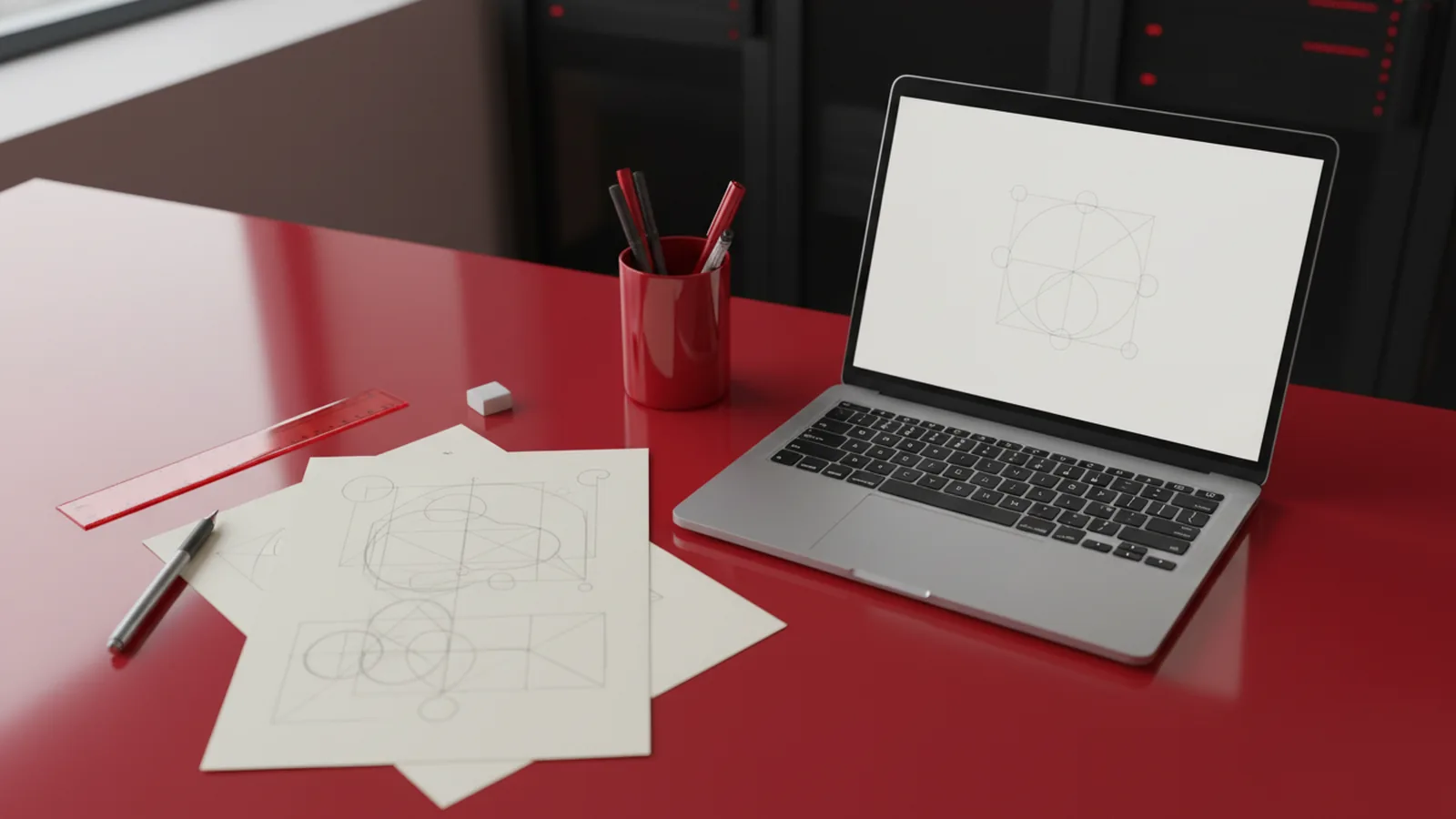
When you “graphic design a logo,” you are shaping meaning. You are also setting rules for how the logo should look in print and on screens.
Good logos hold up at small sizes. They also work in one color, like a simple stamp.
- Goal: one fast read of your brand.
- System: marks, colors, and type that stay consistent.
- Use: social, website, labels, and invoices.
Start with brand basics: audience, value, and vibe
Before you touch shapes, write three short answers. Who is your audience, and what problem do you solve?
Next, pick a vibe that matches your offer. For example, a law firm may feel steady. A fitness studio may feel bold and energetic.
Finally, list five brand words. Then choose two “do” traits and one “avoid” trait.
- Audience: pick one main group.
- Promise: one clear value statement.
- Vibe: words like calm, modern, playful, premium.
- Avoid: traits you do not want people to feel.
This makes your logo easier to design. It also keeps your choices focused when ideas get messy.
Choose a logo style that fits your brand
Logo styles are not just visuals. They also shape how people remember you.
Use these common types as a starting point. You can still mix ideas later.
| Logo type | Best for | Typical look |
|---|---|---|
| Wordmark | When your name is strong | Type-led logo with custom letter styling |
| Lettermark | When you have a long name | First letters in a clean, bold form |
| Icon or symbol | When you want quick recognition | One clear shape that stands alone |
| Combo mark | When you want both text and symbol | Icon plus name with shared styling |
If you are learning how to make your own graphic design logo, start with one style. Then make it simple and repeatable.
How to make a graphic design logo: layout, type, and color
Now you build the actual logo system. Start with layout, not color.
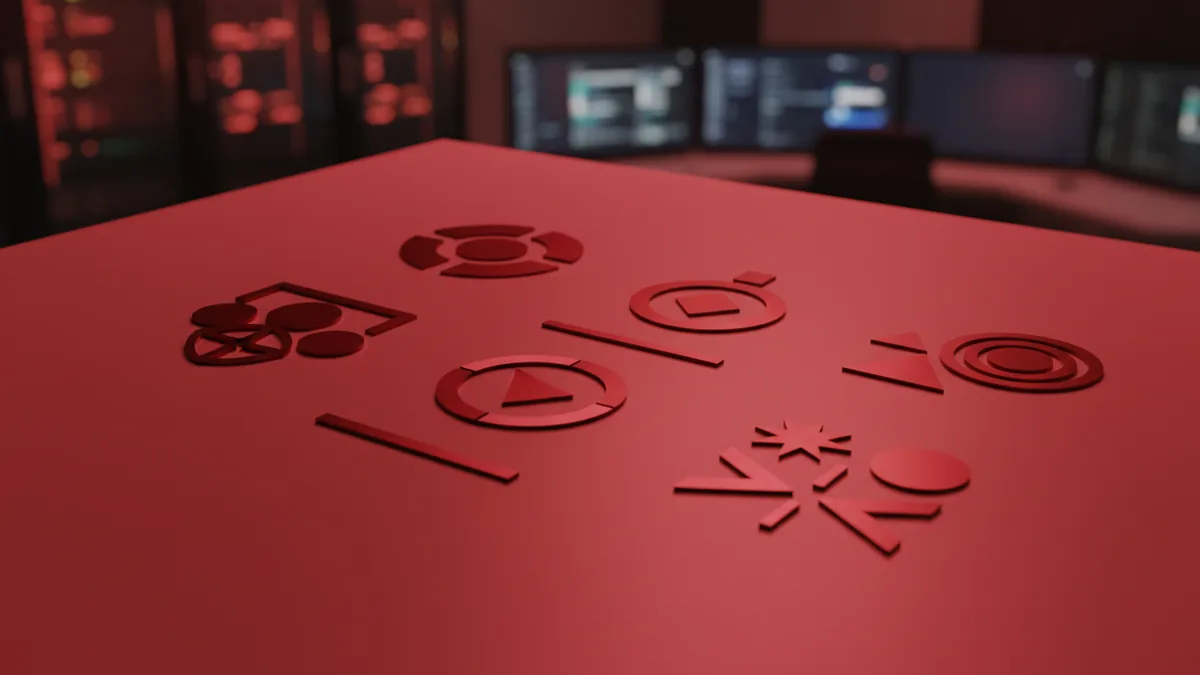
Use a grid or alignment guides to keep everything steady. Place your icon and text so they look balanced at a glance.
Pick type next. Choose one main font style and one backup style. Limit yourself to this to avoid a “mixed signals” look.
Color comes last. Use one main color and one accent color, then test a one-color version.
- Spacing: keep margins even around the icon.
- Contrast: ensure the logo reads on light and dark.
- Meaning: match color to your vibe words.
- Consistency: reuse the same color values across uses.
If you are asking how to make your own logo for free, this order matters. Free tools often make it easy to jump into design without a plan.
Draft concepts fast: sketches first, then clean vectors
When people ask how to graphic design your own logo, they often start with perfect digital work. That is slow and stressful.
Instead, sketch 20 to 30 small thumbnails on paper or in a notes app. Keep each sketch under 2 minutes.
Look for patterns. Choose 3 directions that match your brand words.
- Sketch thumbnail ideas for an icon or layout.
- Pick the best 3 directions that feel right.
- Refine one direction at a time.
- Test each draft at small size.
When you move to digital, build clean shapes. If your logo will be used commercially, vector files are the safest option.
This workflow helps you how to make a graphic logo that stays usable. It also makes revisions easier when feedback arrives.
Make a logo for free: practical tool choices and limits
It is possible to learn how to graphic design a logo for free. The key is knowing what “free” covers, and what needs export control.
Use free design apps for layout and early drafts. Then export to common formats for review and sharing.
If you plan to use the logo on products or a website long term, you still need crisp files. That means a vector or high-quality output for scaling.
Here are smart ways to stay in control.
- Start with templates carefully: modify layout and shapes, not just color.
- Choose fonts you can license: avoid unknown font sources.
- Keep one-color tests: verify readability without gradients.
- Export multiple sizes: small icons and wide header versions.
Also, keep backups of every step. When you later ask how to make my own graphic design logo better, you will thank yourself.
Polish and test: readability, spacing, and real-world use
Polish is where the logo becomes professional. Test it before you call it done.
First, check readability. Can someone recognize the icon in a tiny circle?
Second, check spacing. Make sure letters do not crowd each other, and that the icon does not feel heavy.
Third, check real-world contexts. Put your logo on a mock card, a social profile circle, and a plain document header.
| Test | What to look for | Fix if it fails |
|---|---|---|
| Small size | Icon still reads clearly | Simplify shapes and reduce detail |
| One-color | No lost parts or weak contrast | Adjust thickness and spacing |
| Print feel | Edges stay crisp | Use vector export for final use |
| Background swap | Still looks balanced | Check contrast and placement |
If you want how to make a graphic design logo that lasts, treat testing as part of the process. That is how you avoid rework after you launch.
Export and handoff: what files to save
When your logo looks right, save the right files. This prevents future “we lost the source” problems.
Make a folder called “Logo Master.” Keep layered edits plus final exports.
Include both vector and raster outputs. Also include a one-color version for stamps and small icons.
- Master files: editable vector with layers.
- Final exports: PNG for web use.
- Print: PDF or SVG as needed.
- Variants: full, stacked, icon-only, and one-color.
If you are learning how to graphic design a logo for free, remember this part. Exports turn a draft into a usable asset.
FAQ
How to make a graphic design logo if I have no design experience?
Start by writing brand words, then pick one logo type like a wordmark or combo mark. Sketch 20 quick thumbnails before you design in a tool. Choose one direction and test it at small size.
How to make your own graphic design logo without spending money?
Use free tools to draft and refine your icon and type. Be careful with fonts and licenses, and export clean files for sharing. For long-term use, plan to get vector-quality output.
How to graphic design your own logo that looks professional?
Keep layout simple and limit colors to one main and one accent. Use consistent spacing and test one-color versions. Also verify readability at tiny sizes.
What format should I export if I want my logo to scale?
Use vector output for the master logo, then export PNG or PDF for specific uses. Vector keeps lines crisp when you resize. Save icon-only and stacked variants too.
How to make a graphic logo that fits my brand vibe?
Match your type choice and icon style to your vibe words. Calm brands often look better with clean spacing and simple shapes. Bold brands can use thicker forms and stronger contrast.
FAQ
- How do I make a graphic design logo from scratch?
- Pick your brand words, choose a simple logo type, then sketch quick thumbnails. Build one direction, test readability, and export final variants.
- How can I make a graphic design logo for free?
- Use free design tools to draft and refine. Make sure fonts and exports are high quality, especially if you need scaling later.
- What’s the best way to make my own graphic logo look professional?
- Limit colors, keep spacing consistent, and test one-color versions. Also check how it looks in tiny sizes and real mockups.
- Should I design a wordmark or an icon first?
- If your brand name is strong, start with a wordmark. If you want quick recognition, start with an icon or combo mark.
- What files should I save for my logo?
- Save an editable vector master plus exports for web and print. Include icon-only, stacked, and one-color variants.