How to Make Your Own Logo Design for Free
Learn how to make a logo design free using Word, mobile, Illustrator, or Photoshop. Get inspiration, practice, and next steps after you design.
Start here: what “good” looks like before you design
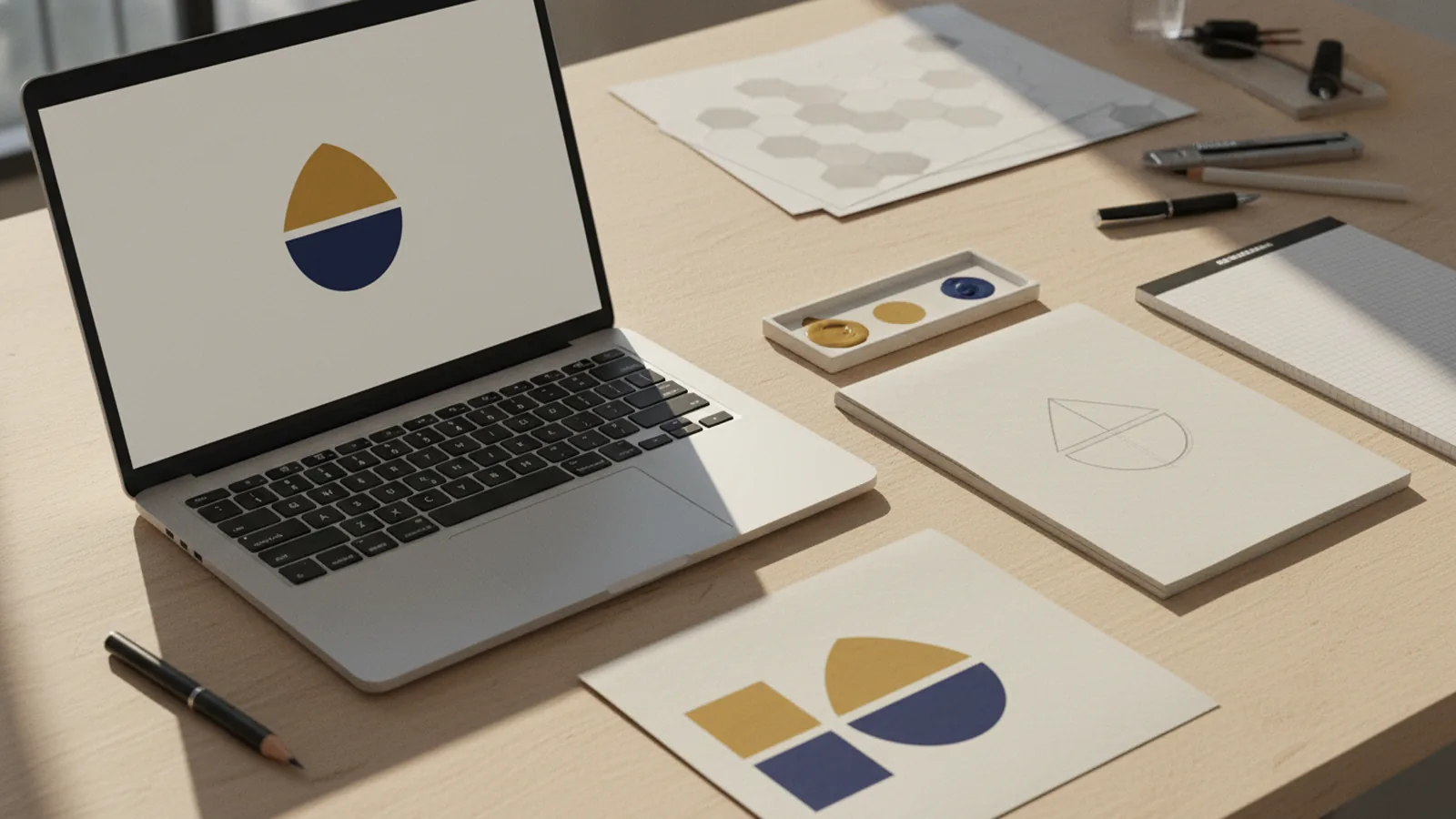
You can make a logo design for free if you focus on one clear goal: a mark that stays readable at small sizes. Pick a simple style you can repeat. Then build a logo design that works in one color and in color.
Start with three choices. Your logo should match your brand tone, fit your audience, and look clear on both light and dark backgrounds. A great logo design also has strong spacing, so letters and shapes do not feel crowded.
If you only have ten minutes, do this first. Write down one sentence about what your business does. Then write three words your customers would use to describe it.
| Logo test | What to check |
|---|---|
| Small size | Can you read it at 32px without guessing? |
| One color | Does the shape still look like a logo in black? |
| Background swap | Does it still work on a dark card? |
How to get inspiration for logo design without copying
Inspiration is about patterns, not copying other marks. Look at logos in your industry and nearby fields. Then list what you like about each one: weight, spacing, icon style, or letter shapes.
Use a fast method: gather 15 examples in a single mood board. Then group them into three piles. Each pile should share one trait, like geometric icons, hand-drawn marks, or strong typographic logos.
When you learn how to get inspiration for logo design this way, you create a direction. You also avoid “random cool ideas” that do not match your brand message.
- Pick one icon type: abstract, symbol, lettermark, or mascot.
- Pick one font personality: bold, friendly, elegant, or technical.
- Pick one color rule: two colors max for a free-first draft.
- Pick one shape rule: circles, squares, or freeform lines.
Make your own logo design for free: simple process, real practice
If you are asking how do i make my own logo design, the answer is repetition with constraints. Make 10 rough sketches in 20 minutes. Then refine the best two into clean shapes.
Use the “two versions” rule for every draft. Version one is an icon-only mark. Version two is the icon plus name logo design text. This helps you build a logo that scales from social to packaging.
How to practice logo design matters as much as the drawing. Spend 30 minutes twice a week. Practice by rebuilding the same concept in three styles, like serif, sans, and bold custom shapes.
- Write your brand words and pick one trait to emphasize.
- Sketch fast: circles, blocks, and letter shapes first.
- Choose one draft, then redraw it cleaner.
- Export or copy a version you can share for feedback.
- Revise one thing at a time, like spacing or contrast.
After that, ask a simple question. Does the logo design look like it belongs to your business, or does it look generic?
What software for logo design should you use?
Deciding what software for logo design to use depends on your budget and your comfort. If you want how to make a logo design in mobile, you can start with simple vector tools or drawing apps. If you want how to make logo design in computer, you will get better control in vector editors.
For many people, the best path is to start free and upgrade only if needed. You can draft in Word or mobile, then refine in Illustrator. Or draft shapes in Photoshop, then rebuild clean type in Illustrator.
Here are four common routes and when they work best.
| Tool | Best for |
|---|---|
| Microsoft Word | Fast drafts with shapes and basic text layout |
| Mobile apps | Quick ideas and rough marks while you travel |
| Adobe Illustrator | Clean vector logos and scalable exports |
| Adobe Photoshop | Texture, color exploration, and pixel-based mockups |
How to make a logo design in Microsoft Word
If you are learning how to make a logo design in microsoft word, treat Word as a layout tool, not a full design studio. Start with shapes, lines, and carefully chosen fonts. Then build a simple icon that still looks clear when zoomed out.
Open a blank document and set up a grid-like layout in your head. Use a square or circle shape for your icon foundation. Add text with consistent alignment, and keep letter spacing tight but readable.
When you finish, how to make logo design in microsoft word becomes easier if you plan for export. Copy your logo into a graphic file format. Then check it on a dark and light background.
- Use built-in shapes for icon blocks and frames.
- Limit yourself to one or two font styles.
- Keep the logo design symmetrical when possible.
- Prefer bold text over thin styles for clarity.
How to make your own logo design in Adobe Illustrator
Learning how to make logo design in adobe illustrator is the cleanest route for a real logo file. Illustrator is built for vector shapes, so your logo stays sharp at any size. That matters for print, signs, and app icons.
Begin with one artboard that is large enough for your drafts. Create the icon using basic shapes. Then convert strokes into outlines if you need consistent thickness.
If you are making a logo design for business, remember that consistency is the goal. Choose one icon style and keep line weight steady. Also make sure your letters do not clash with your icon geometry.
- Draw an icon with 2 to 4 simple shapes.
- Set consistent thickness for all lines.
- Use a legible font size for the brand name.
- Group icon and text separately for future edits.
- Export a transparent version for flexible use.
When you can export clean versions, how to make logo design in adobe illustrator becomes a repeatable system.
How to make logo design in Adobe Photoshop (and why you may need Illustrator later)
If you are trying how to make logo design in adobe photoshop, you can explore colors and styles quickly. Photoshop is strong for visual mockups, like logo on a card or website banner. It is less ideal for final vector marks.
Start by creating a canvas that matches your preview needs. Make separate layers for icon and text. Use layer styles sparingly so the logo looks clean in simple formats.
After you explore, you can rebuild in Illustrator. This keeps your final mark crisp. It also answers how can i make logo design that looks polished across uses.
- Keep effects subtle: avoid heavy glow and blur.
- Test the logo at 20% scale while you design.
- Use guides to align the icon with the name.
- Save a version with a transparent background for review.
How to make logo design in mobile: draft now, refine later
When you want how to make logo design in mobile, focus on speed and clarity. Create a rough version with a clean silhouette. Keep it to a single idea, not a full brand system.
Try drawing in one solid color first. Then add a second color only if it supports readability. If you change colors too often, you lose time and your logo design becomes inconsistent.
Mobile drafting works well if you later redraw in a vector app. That upgrade step is how you make a logo that stays sharp.
- Pick one icon concept and one font style.
- Sketch a thick outline to keep edges readable.
- Add only one detail that supports the brand meaning.
- Export a simple image for feedback.
Also, set a habit. Save your best ideas as separate files so you can revisit them.
How to make logo design free: naming, icons, and common fixes
If you are looking for how to make my own logo design for free, your biggest advantage is iteration. You do not need perfect on draft one. You need a direction you can improve.
One common goal is how to make name logo design. For name-based logos, use alignment and consistent letterforms. If your font feels too light, switch to a heavier option. If your letters touch, increase spacing slightly.
For icon + text logos, make the icon match the text weight. If your icon lines are thick, your letters should feel bold too. If you are designing a wordmark, remove extra decoration.
| Problem | Fix |
|---|---|
| Logo looks blurry | Use fewer effects and redraw in vector later. |
| Icon and text compete | Match weight and reduce the icon’s detail. |
| Too busy | Remove one shape or simplify the silhouette. |
| Colors feel random | Choose one primary color and one supporting color. |
How to make a great logo design: checklist you actually use
How to make a great logo depends on what you can test quickly. Before you call it done, review the logo at three sizes. Also check it in one color and in reverse.
Great logos tend to have one strong idea. They also have simple shapes you can recognize after a second glance. That is why how to make a logo design in computer tools matters, because you can zoom and inspect.
Finally, gather feedback from people who did not watch your process. Ask them what they think your business does, based only on the logo. Then adjust if the message is unclear.
- Readable at small size.
- Works in one color.
- Looks balanced with consistent spacing.
- Feels like your brand, not like a template.
I have a logo design now what? Next steps and exports
If you have a logo design now what, treat it like a usable asset, not just an image. First, decide where you will use it. Then export versions that match those uses, like a transparent PNG and a simple one-color version.
For how to make your own logo design for business, create a small brand kit. Include color codes, a safe spacing rule, and a list of approved uses. This keeps future posts consistent even if you change the background.
If you plan to get help later, learn how to quote for a logo design by sharing your goals and your draft direction. Tell designers what you tried and what you want to improve. That way, time stays focused.
- Export a transparent background version.
- Create a one-color version for stamps and printing.
- Save the editable master file in your main tool.
- Collect feedback and update spacing or weights first.
How to learn logo design faster: a 30-day practice plan
If you want how to learn logo design, use a plan that forces small wins. In week one, only practice icon silhouettes and simple shapes. In week two, practice typography and spacing for name logo design.
Week three should focus on exporting and testing in real contexts. Mock up the logo on a card, a banner, and a profile image. Week four is revision practice. Pick your top concept and improve it until it passes the tests.
This plan helps you learn how to make logo design and build skill at the same time. You also avoid the trap of making endless drafts with no improvement.
- Week 1: 20 icon sketches and 3 clean redraws.
- Week 2: 10 wordmark trials and 2 refined versions.
- Week 3: mockups and contrast checks.
- Week 4: revision and final exports.
When you practice logo design like this, you will start seeing patterns quickly.
FAQ
- How can I make a logo design for free on my computer?
- You can start in Microsoft Word for quick drafts, then refine in Illustrator for clean vector output. Focus on simple shapes, consistent spacing, and export tests on dark and light backgrounds.
- What software for logo design is best for beginners?
- Microsoft Word and mobile apps are good for fast practice. Adobe Illustrator is best when you need crisp, scalable logo files for real use.
- How do I make my own logo design for a business with a name?
- Create a wordmark first, then add an icon only if it supports the meaning. Keep alignment tight, choose a bold readable font, and test at small sizes.
- How do I make logo design in mobile without it looking messy?
- Start with one thick outline in one color, then add a second color only for contrast. Keep details minimal so the logo still reads clearly when scaled down.
- I have a logo design now what should I export?
- Export a transparent version and a one-color version. Also save the editable master file so you can revise spacing, color, or typography later.