What Is a Sonic Logo? A Practical Guide to Making
Learn what is a sonic logo and how to make a sonic logo. Get a clear process, sound examples, and specs for recordings and playback.
What a sonic logo is and why it matters
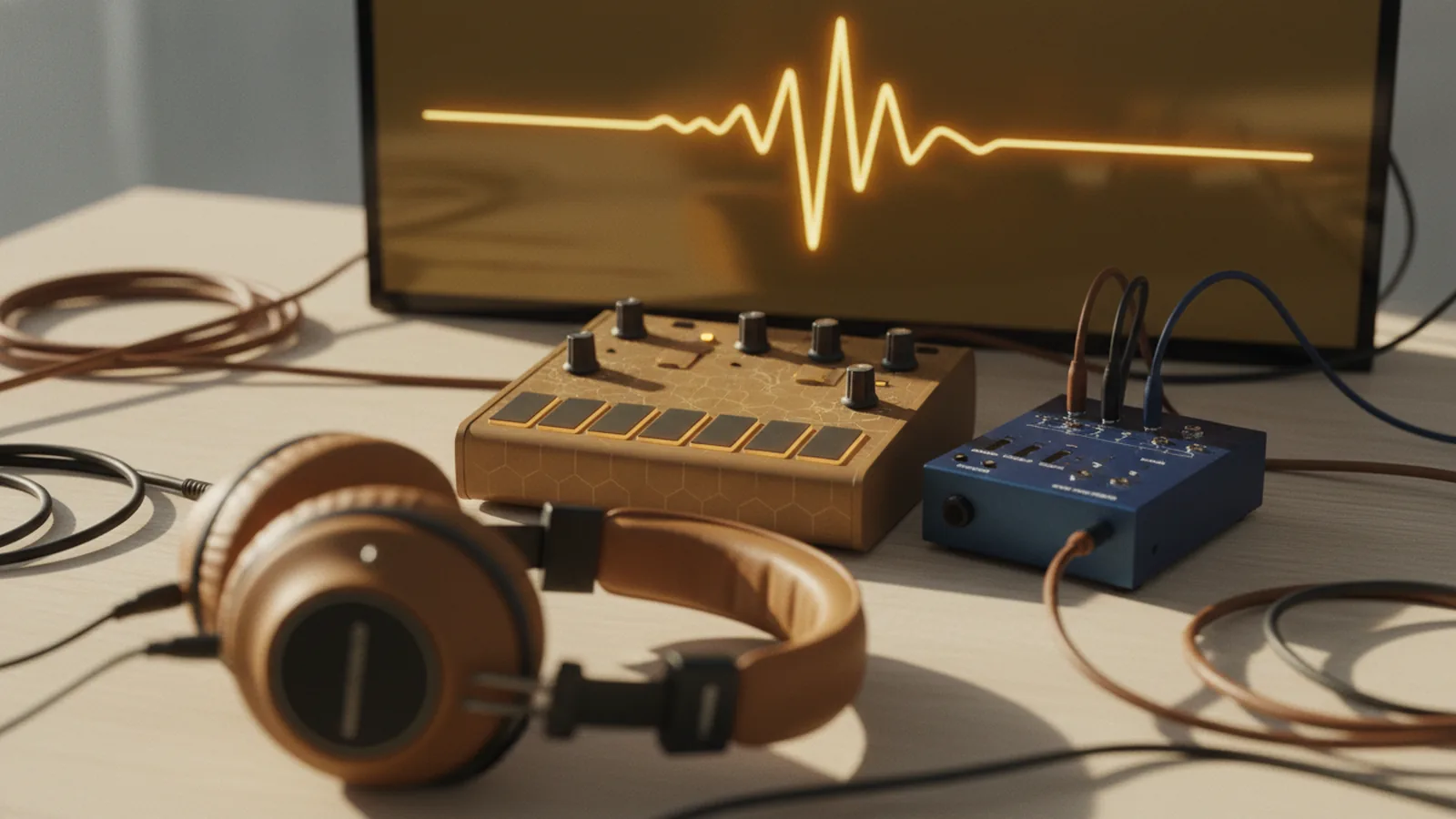
A sonic logo is a short, distinct sound that helps people recognize your brand. It works like a logo in audio form, played at key moments across ads, apps, and video. If the sound stays consistent, it can train listeners to identify your brand quickly.
What is a sonic logo in practice? It is usually 2 to 5 seconds long, built around a simple musical idea. Many sonic logos also include a clear “start,” a recognizable “shape,” and an ending that doesn’t feel abrupt. That structure helps the sound feel complete on small speakers.
The big value is fast recall. Sound cues can trigger recognition even when someone isn’t looking at the screen. For teams, a sonic logo also becomes a reusable asset for product onboarding, support calls, and UI alerts.
| Use case | Typical length | Best format |
|---|---|---|
| Video bumper | 2–5 seconds | WAV or high-quality MP3 |
| App notification | 0.5–1.0 seconds | WAV for low latency |
| Brand intro sting | 1–3 seconds | MP3 or AAC for streaming |
Start with your brand goal and constraints
Before you write any notes, decide what the sound should do. Pick one job for the sonic logo: “signal brand presence,” “feel premium,” or “sound friendly.” If you try to communicate five traits at once, you will end up with a noisy mix.
Next, set constraints that keep the project realistic. Choose where it will play most: TV, mobile, web, or events. Then decide if you need a version with no vocals, no drums, or a lower total loudness for platform rules.
Teams often skip this step and then spend weeks re-recording. Avoid that by writing a short brief with three lines: audience, emotion, and playback context. Also note if the logo must avoid similarities to existing brands in your market.
- Pick one main emotion: trust, energy, calm, or play.
- Choose one primary channel: audio-only or mixed video.
- Define the maximum duration for the core logo.
- List any “must avoid” sounds your listeners already dislike.
How to make a sonic logo: a step-by-step creation flow
Here is a reliable way on how to make a sonic logo, from first sketches to a final asset. The goal is to get from vague vibe to a repeatable sound in days, not months.
First, create 10 to 20 quick sketches. Use a simple tone source like a single synth patch, a plucked string, or a small choir pad. Keep each sketch under 20 seconds so you can move fast.
Then, shortlist 3 concepts and refine them. You want a sonic “gesture” that stays recognizable even when played softly. In practical terms, test your candidates with a phone speaker at 40% volume.
- Draft a musical idea: Choose a 3 to 5 note motif. Make it rhythmically clear.
- Set the contour: Decide where the pitch rises or falls. Keep that contour consistent.
- Design the texture: Use one main timbre. Add light layers only if needed.
- Lock the timing: Render at a fixed tempo grid. Make the attack and release intentional.
- Engineer for playback: Balance lows and highs for phone speakers.
- Make variants: Create a 0.5–1 second UI cut and a full 2–5 second version.
As you work, listen for “confusion moments.” These are parts where the sound feels like it could belong to any brand. Cut or simplify those sections until your motif stands out.
When you ask how to make sonic logo assets usable, you also think about reuse. Record stems or export alternate mixes so you can swap reverb or EQ per channel. That keeps your logo consistent without forcing one mix everywhere.
Choose sonic elements that stay recognizable
Recognition comes from pattern. The pattern can be pitch, rhythm, timbre, or an envelope shape. A sonic logo often uses one dominant feature so it doesn’t rely on complex production.
In sound design, you can treat each element like a knob. If you want a calm brand, slow the rhythm and reduce harsh high frequencies. If you want speed, increase the transient clarity and tighten the envelope.
To build a sonic identity that survives bad speakers, keep the arrangement simple. Many teams also avoid ultra-low bass so the sound won’t disappear. Target a mix that still feels present on a laptop keyboard and earbuds.
- Motif: 3–5 notes with a clear rise, fall, or repeat.
- Rhythm: Distinct durations, not random timing.
- Timbre: One main instrument feel, with minimal layers.
- Envelope: Controlled attack and release for recognizability.
- Tail: A short ending that doesn’t blur into noise.
Also check for mix clutter. If you need more fullness, try a second layer that supports the motif. Avoid adding new notes that break the identity in the first 1 second.
Test your sonic logo like a product, not a song
Testing is where many teams fail when they learn how to make sonic logo decisions. A sonic logo is not meant to be “liked” as background music. It is meant to be recognized fast and used safely in many contexts.
Run three listening tests with tight rules. For each test, play each candidate at matched loudness and in short repeats. The best candidates sound consistent across the room, not only in your studio.
| Test | How to run it | What you measure |
|---|---|---|
| Recognition | Show only audio. Ask what brand they think it is. | Correct guesses and confidence |
| Distinctiveness | Play the sound beside neutral stings and stock beeps. | Do listeners confuse it? |
| Playback survival | Test on phone speakers, earbuds, and a car radio. | Does the motif still cut through? |
Also create an “annoyance” check. Play your candidate in a 30-minute loop and ask if it feels fatiguing. You will use it often, so comfort matters.
Finally, review the logo at low volume. If it only works loud, it will fail inside apps and emails. A good what is a sonic logo outcome test is simple: you can recognize it after one play.
Export specs and brand consistency for every channel
Once you have the final audio, package it like an asset system. Plan for the core logo plus cutdowns that match common UI moments. If you only export one file, your product will invent workarounds.
For format, use WAV for master delivery and a compressed version for web or in-app use. Keep the sample rate consistent across variants so you don’t introduce timing shifts. If your mix uses a lot of high-end, validate that it doesn’t sound harsh in short notifications.
In loudness terms, aim for a consistent level across the full logo and the UI cut. If one version is significantly louder, users will perceive it as “different branding.”
- Master: WAV, highest quality you can deliver.
- UI cut: 0.5–1.0 seconds, same motif starting point.
- Video sting: 2–5 seconds, full tail if needed.
- Mute-safe version: Make sure it fades cleanly.
Consistency also includes how you start the sound. A sonic logo should have a predictable attack so it doesn’t sound like a random effect. When you build cutdowns, keep the first 200 milliseconds intact.
With these rules, your team can answer how to make a sonic logo usable across channels. You avoid surprises when marketing changes video timing or when the app needs a shorter audio cue.
Common mistakes when learning what is a sonic logo
A sonic logo must be simple enough to recognize quickly. If it’s too long, too complex, or too dependent on orchestration, it won’t work in real product moments.
Here are the most frequent mistakes teams hit after they start how to make a sonic logo. The first is overproduction. The second is changing the motif between variants. The third is adding a “hook” that only exists in the middle, not the start.
- Overlong builds: Don’t start with a full song intro. Use a short motif from the beginning.
- Different cutdowns: Keep the attack and first motif notes the same.
- Loudness surprises: Match loudness across exports so users don’t perceive mismatches.
- Speaker dependence: Avoid bass that vanishes on small devices.
- Forgetting endings: Many logos “stop” abruptly or ring too long. Both feel broken.
If you fix these early, your sonic logo will feel like a real brand tool. It will slot into UI and video without sounding like a random sound effect. That is the practical difference between “a nice audio clip” and what is a sonic logo.
When you want one last sanity check, listen to your top candidate in 5 seconds. If you can describe the motif without thinking too hard, you’re close. Then test it at low volume and in noisy playback settings.
FAQ
- What is a sonic logo?
- A sonic logo is a short, consistent sound used to identify a brand. It typically lasts 2 to 5 seconds and is recognizable even on small speakers.
- How to make a sonic logo that works on phone speakers?
- Start with a clear 3 to 5 note motif and avoid heavy sub-bass. Test candidates at 40% volume on a phone speaker and earbuds, then iterate.
- How long should a sonic logo be?
- Most sonic logos are 2 to 5 seconds for video and brand stings. Create a separate 0.5 to 1 second cut for UI notifications.
- Do I need different versions of a sonic logo?
- Yes. Export a master plus cutdowns for app and video so the motif stays consistent. Keep the first 200 milliseconds the same in every variant.
- What are common mistakes when learning how to make sonic logo assets?
- Avoid overlong or overproduced sounds that only work in the studio. Also avoid changing the motif between cutdowns, and don’t ignore low-volume testing.