How to Not Support AI: Practical Ways to Reject AI
Learn how to not support AI with practical steps, non-AI alternatives, and clear reasons to avoid artificial intelligence at work and home.

What it means to “reject AI” in real life
You can reject AI by refusing to use systems that automate decisions, generate content, or profile your behavior. This can mean opting out of AI features in apps, declining vendor add-ons, and changing workflows that depend on AI. It is also a stance: you choose manual processes or non-AI tools when they work well enough.
AI is not only robots. In everyday life, it shows up as spam filters, photo “enhancements,” recommendation feeds, predictive text, voice assistants, and customer support chatbots. In work settings, it may be used for email triage, risk scoring, fraud checks, hiring screens, or report drafting. When you “support” AI, you fund it with usage, data, and approvals.
If you want to avoid artificial intelligence, start by mapping where it appears. Look for “AI,” “smart,” “gen,” “assistant,” “auto,” and “prediction” labels inside tools. Then decide where you will stop using AI entirely and where you will replace it with simpler methods.
- Turn off AI toggles in apps and browsers where possible
- Decline AI add-ons during onboarding or procurement
- Use manual processes for high-stakes tasks

Why you might want to avoid or stop using AI
One reason is ethical technology use. Many AI systems learn from large datasets that can include biased or flawed patterns. That can lead to unfair outcomes in hiring, lending, healthcare triage, or moderation. Even when the goal is helpful, the result can be opaque because you cannot easily see how a decision was formed.
Another reason is privacy. AI often works by collecting inputs you type, upload, or speak. Those inputs can become training material or model feedback, depending on the product and settings. If your goal is digital privacy, any tool that “remembers” or analyzes your content deserves scrutiny.
There are also reliability and safety issues. AI can confidently produce incorrect information, especially with new topics or complex instructions. In professional work, a single wrong draft can waste time and create risk. Tech skepticism is healthy when the tool’s best-case promise is faster output, but the failure mode is hard to detect.
Finally, consider the hidden cost. If you rely on AI for small tasks, you lose practice, reduce your control, and become dependent on one vendor’s policy choices. Reject AI can be a shift toward user empowerment through skills you keep and decisions you own.

Practical steps to reject AI without disrupting everything
The fastest path is to stop the “default” uses first. Many tools enable AI by default, or they expand features after updates. Check settings once per month. Look for controls like “use AI features,” “suggest,” “smart replies,” “auto-draft,” or “personalization.” Turn them off where you can.
Next, set rules for what you will not paste or upload. If you do not want AI involved, avoid sending sensitive text to AI chat tools, document assistants, or meeting summaries. Use strict categories: personal health notes, client data, passwords, and trade secrets should never go into a generative service.
Then adjust your workflow so “AI time” is replaced with deliberate work. For writing, draft the outline yourself and use spellcheck only. For research, rely on primary sources and human summaries. For support, use templates that you write and maintain, not auto-generated replies.
- Audit your daily tools and apps for AI features
- Disable AI toggles and remove AI extensions from browsers
- Decline AI in procurement and require clear privacy terms
- Replace AI drafting with outlines and manual edits
- Keep a log of what you rejected and why
If you manage a team, align expectations early. Ask for “no AI by default” in internal guidance. For example, decide that final documents must be reviewed by a human, with no AI-generated text submitted without disclosure. This keeps ethics and accountability clear.
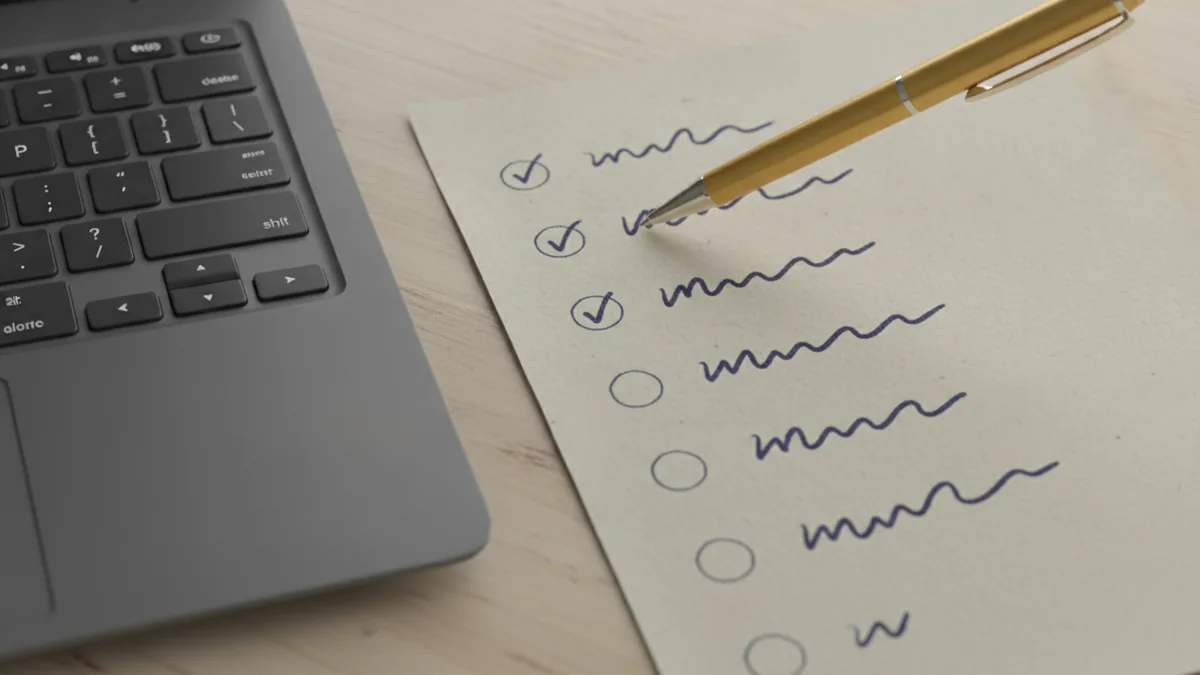
Non-AI alternatives to common AI tasks
You do not have to rebuild everything. Many AI use cases map to simpler tools that still work well. The key is to match the task type: summarizing, searching, writing, planning, or routing.
Here are common AI patterns and reasonable non-AI alternatives. Use these to build non-AI alternatives into your routine without losing speed.
| AI use case | What to try instead | When it works best |
|---|---|---|
| Auto text, chat drafting, “assistant” writing | Word processor with templates, outline first | Emails, proposals, internal memos |
| Meeting summaries | Note-taking with a fixed agenda and action log | Weekly meetings and standups |
| Photo “enhancement” | Manual edits in a standard editor | Simple color, crop, and contrast fixes |
| Recommendation feeds | Manual browsing with bookmarks and lists | News and learning sites |
| Customer support chatbots | Human triage with clear queues and forms | Common questions and ticket routing |
For search and learning, use deterministic sources. Read the original document, then write your own notes. If you need speed, create a study sheet with definitions and key claims. This gives you control and supports sustainable technology solutions because you are not relying on a black-box system for every step.
For automation, consider non-AI rules. Use if-this-then-that style workflows, cron jobs, and checklists. They can be powerful without learning from your behavior. That is often the best compromise when you still want efficiency.

What happens when you stop supporting AI
Declining AI support can have community and societal impacts. When more people opt out, vendors see fewer requests and less demand. Over time, that can shift product roadmaps toward opt-out design, clearer controls, and fewer default AI features.
In some places, community initiatives against AI make this more than a private choice. Groups may host workshops on digital privacy, publish “AI-free” guidelines for workplaces, or share non-AI tool lists for schools. Even a small local effort can normalize manual processes and reduce social pressure to adopt AI.
At the personal level, the benefits compound. You regain agency over what you share and how your work gets made. You also improve your own skills because you rely on your judgement instead of an automated guess. That is user empowerment you can feel week to week.
There is also a practical calm. If you stop using AI, you reduce the risk of accidental data exposure through copy-paste habits. You also avoid the “rework tax” when AI output needs heavy correction. For many people, that makes work simpler, not harder.
Start small and stay consistent. Choose one app or one workflow to convert this week. Then expand to the next most important place where AI shows up.
FAQ: common questions about avoiding AI support
Is rejecting AI the same as rejecting technology?
No. You can still use computers, spreadsheets, search engines, and secure cloud tools. Reject AI is about opting out of systems that rely on automated inference or generative output.
How do I avoid AI when a tool claims it is “optional”?
Check the settings and audit permissions after updates. If you cannot fully disable it, stop using the feature and switch to a non-AI workflow.
What should I never share with AI tools?
Avoid sensitive personal data, client details, credentials, and private medical or legal notes. If you must work with documents, use apps with clear privacy controls and no generative processing.
Can non-AI alternatives be as fast as AI?
Often, yes for repeat tasks. Templates, checklists, and rule-based automation can match speed while keeping your control.
Will I fall behind at work if I stop using AI?
Not if you communicate your workflow. Focus on quality and accountability, and offer practical non-AI alternatives that meet deadlines.
Where should I start if I feel overwhelmed?
Start with the highest-visibility tool in your day. Disable one AI toggle, replace one workflow, and track what improves.
Frequently asked questions
- How to not support ai if an app enables AI by default?
- Check settings after updates and disable AI toggles. If you cannot fully turn it off, use a different tool.
- What are the main ethical concerns about ai?
- Many systems can produce biased or unclear outcomes. You may also lack transparency about how results are formed.
- How does ai affect digital privacy?
- AI features often analyze your inputs and may store them for improvement. Treat any sensitive text or uploads as high risk.
- What non-AI alternatives can replace ai writing and drafting?
- Use outlines, templates, and manual editing in a standard word processor. Keep your review process human-led.
- Can community initiatives against ai help beyond personal choice?
- Yes. They can normalize opt-out habits, share non-AI tool lists, and pressure vendors toward better controls.
- Will rejecting AI hurt productivity at work?
- It can at first, but many teams adapt quickly. Use checklists, templates, and clear review steps to maintain quality.
Related reading

Top AI Companies, Platforms, Models, and Tools
Compare leading AI companies, platforms, models, and tools. Learn what sets OpenAI, Nvidia, Anthropic, Google, and Microsoft apart across key industries.

What Is AI SaaS? How It Works and What to Look For
Learn what AI SaaS is, how cloud-based AI tools work, where teams use them, and what to check when choosing a provider or building a product.

What Is Temperature in an LLM? Settings and Uses
Learn what temperature does in an LLM, how it affects token choices, and how to tune it alongside top-p for reliable or creative text.