How AI Data Is Stored: Systems, Tech, and Best Practices
Learn how AI data is stored, where it lives, and which technologies power fast training and inference. See architectures, examples, and best practices.
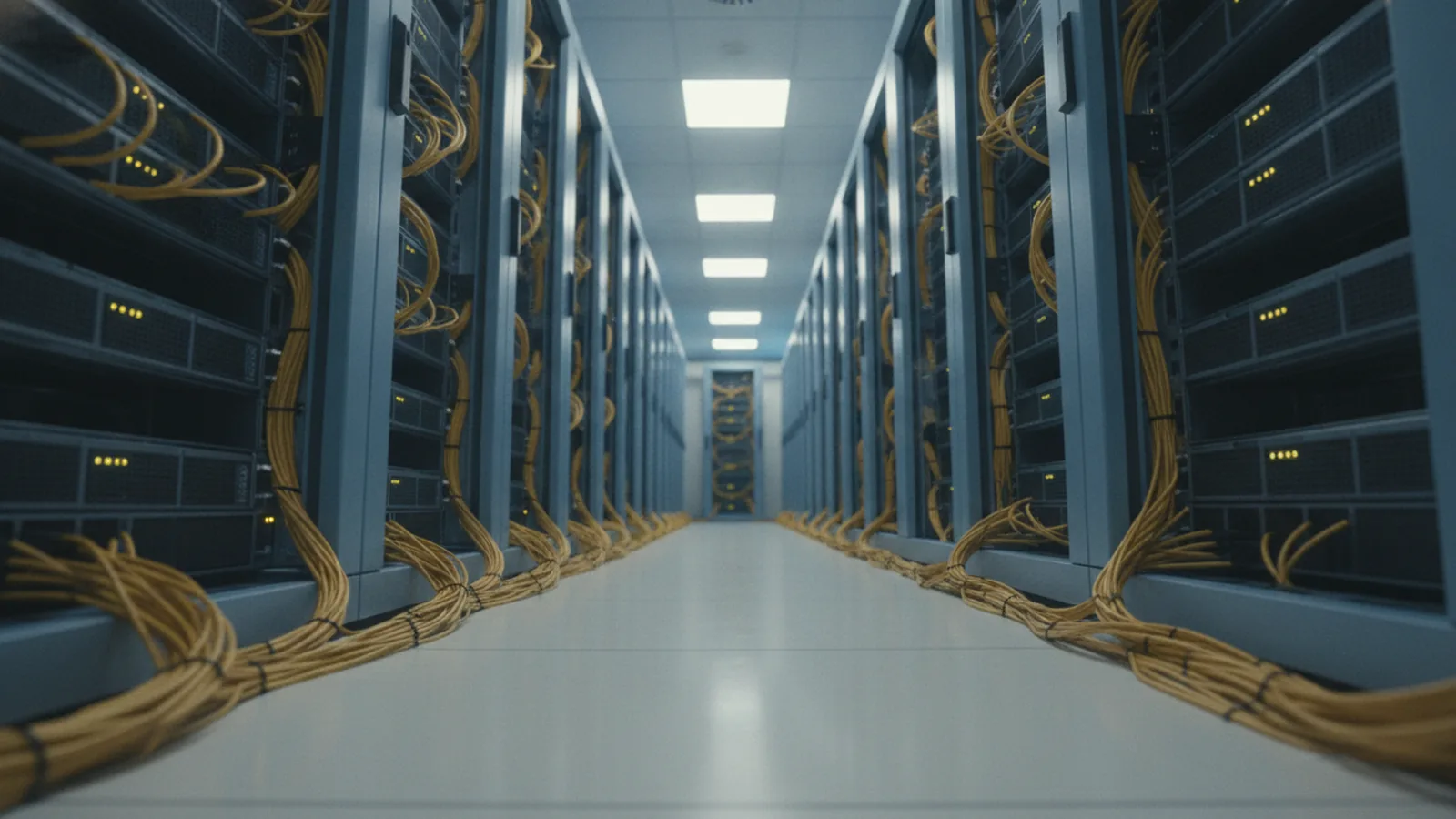
Introduction to AI data storage
How is AI data stored? In most modern setups, AI data is kept in scalable storage systems that support fast reads and writes for training and inference. Where is AI data stored? It can live in cloud object stores, data lakes, high-speed NVMe volumes, or edge devices, depending on latency and cost needs.
The goal is simple. AI workloads need large datasets and quick access. That means storage systems are built to handle many files, large blobs, and steady streams of incoming data without stalling GPUs or CPUs.
You can think of AI storage as a pipeline. Data ingestion lands data in durable storage first. Then training jobs pull it into faster tiers for repeated scans and fast minibatch reads.
- Optimized for large datasets
- Built for low-latency access
- Designed for both batch and streaming workloads

Why traditional storage struggles with AI
Traditional data storage was often designed for human-scale apps. It might be great for a few large databases, but AI workloads are different. Training can scan terabytes repeatedly, sometimes across dozens of workers.
Latency matters more than many teams expect. If each training step waits on storage, GPUs sit idle. Even a small slowdown per batch can stretch total training time by hours.
Scalability is another pain point. AI data ingestion can spike. Without elastic storage, you risk backlogs and failed jobs when the next training run starts.
| Need | Traditional fit | AI requirement |
|---|---|---|
| Low-latency reads | Often too slow for many parallel jobs | Fast access for frequent scans |
| Unstructured data | Hard to store efficiently at scale | Support for files and blobs |
| Horizontal scaling | Can require manual sharding | Built for many nodes |

AI storage technologies you will see in practice
AI storage technologies usually combine multiple layers. A common pattern is durable object storage for long-term retention, plus faster block or file storage for active training. This avoids moving data around every time you train a new model.
Object storage is a frequent choice for AI because it handles unstructured data well. Models need training inputs like images, audio, text dumps, logs, and feature files. Object storage stores these as objects that you can read in parallel at scale.
For speed, advanced storage hardware is critical. NVMe and flash-backed systems reduce access time and raise throughput. They help keep the data pipeline ahead of GPU acceleration, especially during fast training epochs.
- Object storage for durable datasets and data lake files
- High-speed block or file storage for active jobs
- NVMe/flash tiers to cut read latency
- Cache layers to speed up repeated access
So how is AI data stored, step by step?
To understand how is AI data stored in real systems, look at the lifecycle. Data ingestion collects raw inputs from sensors, apps, or data streams. Then the platform writes it to a durable tier, often object storage.
Next comes organization. Many teams store data in a data lake so it stays queryable without heavy upfront modeling. Data lakes support many formats, which matters when you mix text, images, and tabular features.
After that, training pipelines stage data to faster storage. They may copy or cache chunks on NVMe volumes on each worker node. This avoids slow network fetches during every training step.
Finally, AI systems track which dataset version a model used. This is important for reproducibility and auditing. In practice, teams store dataset manifests, checksums, and metadata alongside the data.
- Ingest raw data from batch jobs or real-time data processing
- Land in durable storage like object storage
- Organize using a data lake layout and partitioning scheme
- Stage to fast local storage for each training run
- Version datasets and log provenance
Real-world applications of AI storage
AI storage patterns vary by use case, but the same constraints show up: scale, speed, and repeat access. For large language models, training data is often huge and stored as many files and shards. Distributed training then needs fast reads across many GPU nodes.
For computer vision, unstructured inputs like images and video frames dominate the dataset size. Object storage works well because each file can be fetched independently. During training, a loader can stream samples while caching hot shards on local flash.
For recommender systems and fraud detection, data arrives continuously. Storage must handle steady writes and support near real-time feature access. That is why scalable storage solutions often integrate with cloud and edge computing environments.
Across these cases, one big advantage stands out. Data accessibility without physical movement reduces time and risk. Instead of copying datasets between environments, teams mount or read data where it already lives, then cache only what each job needs.
Best practices for AI data management
Good AI data management starts with clear storage goals. Decide what must be durable for months, what must be fast for hours, and what can be temporary. Then map each dataset to a storage tier that matches that purpose.
Design your partitions to match how training reads data. If your pipeline reads by time range, partition by date. If it reads by label or customer id, partition by that key. This reduces wasted scans and lowers training step time.
Use dataset versioning and manifests. Store file lists, checksums, and the query logic that produced the training set. This makes it easier to debug model drops and compare experiments.
Plan for concurrency. Training jobs often run with many workers. Ensure your storage layer can handle many parallel reads without creating throttles. If needed, add cache layers and tune read patterns.
- Choose tiers: durable object storage, then fast staging for active jobs
- Partition for access patterns to reduce wasted reads
- Version datasets to support reproducibility
- Stress-test parallel reads with realistic batch sizes
- Keep data accessible to avoid unnecessary physical copies
Future trends in AI data storage
AI data storage is moving toward more dynamic architectures. Expect deeper integration between storage, compute, and accelerators. That includes smarter caching that adapts to batch access patterns and training schedules.
Edge and hybrid setups will grow too. Some workloads will store data near sensors to cut latency. Then they will sync only what is needed back to central data lakes for longer training cycles.
Another trend is faster metadata and catalog services. As datasets grow, locating the right files becomes its own bottleneck. Better metadata indexes and data catalogs help teams find shards quickly without manual work.
Finally, workflows will emphasize governance alongside speed. Dataset lineage, access controls, and retention policies will be easier to automate. The storage layer will become more than a disk. It will become an active part of how AI and data move through the system.
Understanding where data lives and how fast it can be read is core to building reliable AI systems.
How storage skills connect to becoming an AI data scientist
If you are asking how to become an AI data scientist, storage knowledge is a practical edge. You do not need to be a storage engineer to benefit, but you should understand the system limits. When training is slow, the cause is often data access, not model code.
Focus on how datasets are staged, partitioned, and retrieved. Learn what happens when you scale from one machine to many. You will see why low-latency tiers, parallel reads, and good partitioning matter.
Also learn to reason about tradeoffs. Object storage is cost-effective, but not always the fastest for every step. NVMe and flash can speed training, but they are best used for active staging and caches.
- Trace a dataset from ingestion to training
- Measure where time is spent during training
- Improve partitioning to match read patterns
- Use staging tiers to reduce bottlenecks
Frequently asked questions
- How is AI data stored in practice?
- Most systems store raw data in durable object storage, then stage hot subsets to faster local storage for training. They also keep manifests and metadata for versioning.
- Where is AI data stored for training and inference?
- It is typically stored in cloud data lakes and object stores, with additional high-speed tiers for active jobs. Some workloads also run at the edge for low latency.
- What are common AI data storage technologies?
- Common technologies include object storage for unstructured files and flash-backed block or file storage for speed. Systems often add caches to reduce repeated reads.
- Why do AI systems need low-latency storage?
- Training loops run many steps and require steady data reads. If storage is slow, GPUs idle and total training time increases.
- How do teams reduce data-processing bottlenecks in AI storage?
- They use caching, partition data for access patterns, and stage data to fast tiers. They also tune parallel reads so storage can keep up with worker counts.
- Does AI storage require physically moving data between systems?
- Not always. Many architectures access data where it already sits and only cache or stage what each job needs. This reduces copying time and risk.
Related reading

What Company Owns OpenAI? Ownership Explained
Learn who owns OpenAI, how Microsoft and the OpenAI Foundation fit in, and why share ownership differs from control of the company.

How AI Learns: Data, Training, and Feedback
Learn how AI trains on data, finds patterns, and improves through feedback. Explore supervised, unsupervised, and reinforcement learning with examples.

How Generative AI Has Affected Security
See how generative AI has affected security, from prompt injection and data leaks to deepfake fraud, and learn ways to reduce risk.