MCP Server Guide: Architecture and How to Build
Learn what an MCP server is, how MCP server architecture works, and how to set up an MCP server from scratch with tools, UI, and best practices.

What is an MCP Server?
An MCP server is a backend service that connects an LLM app to external capabilities in a standard way. It lets an LLM request tools, data, and actions without hard-coding every integration into the model app.
In practice, an MCP server acts like a “capability gateway” for Model Context Protocol. Your server exposes tools that the client can discover and call. It also provides UI templates so the client can render richer interactions when needed.
The primary goal is clean LLM orchestration. Instead of embedding API integration logic in prompts, you centralize it in server-side tool execution and session-aware context handling.

Core architecture of MCP servers
MCP server architecture usually follows a request-response pattern over an application transport. Incoming messages contain intent, tool names, and arguments. The server routes those messages to the right handler and returns results in a structured form.
Most servers separate three loops. One loop handles discovery, so the client can list tools and metadata. Another loop handles prompt execution requests, so the client can trigger specific tool calls. The third loop manages session tracking, so state stays consistent across multiple turns.
Context management is where servers win or fail. The server should accept a context object or session ID, then use it to keep user state, cached data, and safety checks aligned. For example, if a user starts a “draft an email” flow, the server can reuse the same retrieved customer profile across steps.
- Request handling: parse incoming requests, validate parameters, and route to tool handlers.
- Context management: attach session data and handle per-user caching safely.
- Response formatting: return tool results and UI instructions in a stable schema.
Key components you need to build
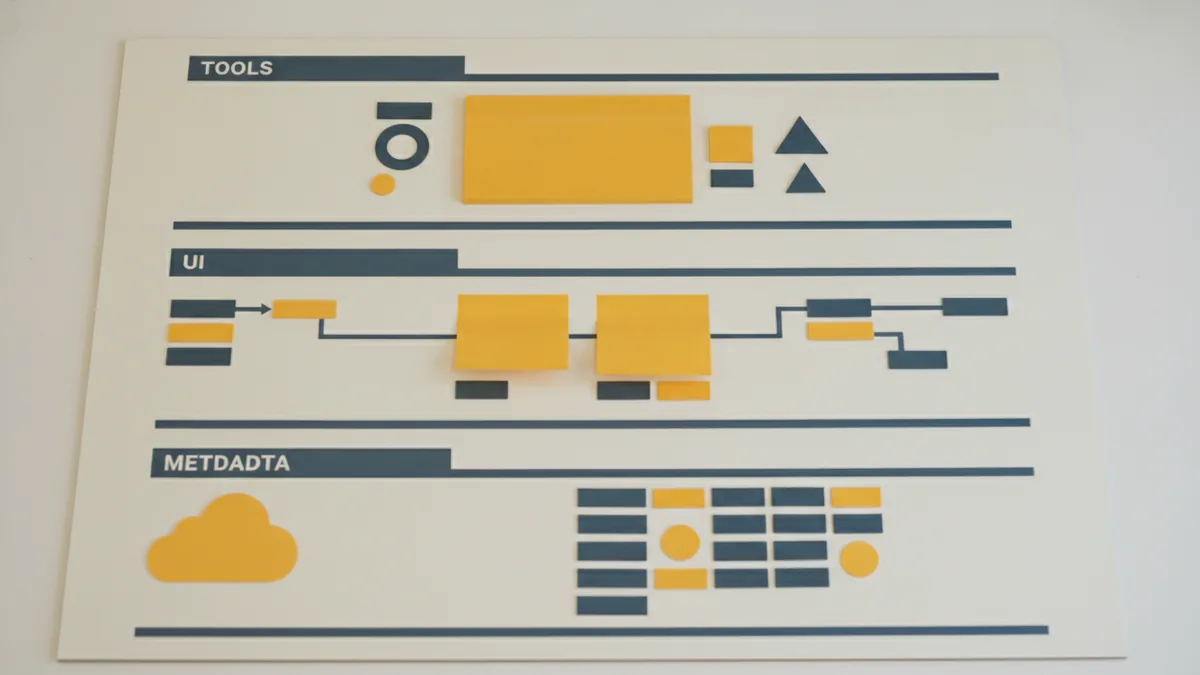
To build an MCP server, you typically start by defining what you will expose. That includes tool registration, metadata, and UI templates. You also decide which API integrations your tools will call.
Tool registration is the most important piece for building MCP tools. Each tool needs a name, a description, input schema, and an execution function. A good input schema reduces prompt confusion and lowers the chance of invalid arguments.
UI templates are the second key component. Some tools return structured data that the client can render as a form, a summary panel, or an action prompt. Even if you start minimal, plan for at least one template so you can improve UX later.
Metadata handling ties everything together. You will want server-level metadata like supported capabilities and version tags. You also need per-tool metadata for logging, cost estimation, and rate-limit hints.
| Component | What it does | Typical example |
|---|---|---|
| Tools registration | Defines available tool calls and schemas | “search_products” with query and filters |
| UI templates | Guides client rendering for tool outputs | A table view for search results |
| Metadata handling | Tracks versions, capability flags, and limits | “supports_ui_v1”: true |
| Session tracking | Keeps state across multiple turns | Store last selected product ID |
Step-by-step guide to building your own MCP server
This section walks through a complete build path. The goal is a server you can run locally first, then extend to real API integrations.
1) Choose your transport and runtime
Pick how your client connects to the server. Many teams start with local development transports, then move to networked setups later. Use a runtime that makes request parsing, async I/O, and schema validation straightforward.
2) Define your tool list up front
Start with 2 to 4 tools so you can test the full loop quickly. Example tool ideas: a “fetch_document” tool, a “search_knowledge_base” tool, and a “create_task” tool. Each tool should map to one clear outcome.
3) Register tools with schemas
For each tool, define input fields and types. If your tool accepts a query string and a limit, validate both. If you skip schema validation, you will spend time debugging odd LLM argument shapes.
4) Implement tool handlers
Write the execution function for each tool. Keep it deterministic where possible. If you call external APIs, handle timeouts and retries with clear error messages so the client can recover.
5) Add context management and session tracking
Decide what state to store per session. A common pattern is to keep small IDs or cached results, not whole user notes. Then make tool handlers read that state when they need continuity.
6) Add response formatting and error mapping
Return results in the structured format your client expects. Convert internal failures into tool-level errors with actionable messages. For example, map a 401 from an API into “missing credentials” rather than a raw HTTP line.
7) Add UI templates (start simple)
Create a minimal template for one tool output. Use it for a structured view like a list of results or a confirmation panel. This helps you validate that prompt execution can drive a UI, not just plain text.
8) Test end to end with a small orchestration script
Run a local client that discovers your tools, then calls them with known inputs. This catches schema mismatch early. Then test with LLM-driven inputs to confirm the orchestration loop remains stable.

Best practices for MCP server development
Good MCP server best practices focus on reliability, maintainability, and predictable performance. Your server will sit in the middle of LLM orchestration, so small errors can cascade into confusing model behavior.
First, keep tool handlers thin. Put business logic into separate modules so the MCP layer is mostly routing and validation. This makes building, testing, and refactoring much easier.
Second, treat schemas as contracts. Version your tool schemas when you change fields. Then add backward-compatible defaults to reduce breakage for older client apps.
Third, implement performance guards. Limit payload sizes, set request timeouts, and cap expensive operations. If a tool can stream results, prefer streaming to avoid large memory spikes.
- Structure handlers: route, validate, then call a pure service function.
- Use stable outputs: return consistent field names and types.
- Plan for failures: map errors to tool-level messages with context.
- Control cost: add rate limits and simple cost hints per tool.
- Log with session IDs: make debugging prompt execution possible.
Common tools and resources for building MCP servers
Several libraries and frameworks can accelerate building an MCP server. The right choice depends on your language and how you plan to integrate APIs.
Start with schema validation tools. They help you define tool inputs and enforce correctness at runtime. Use them to generate docs and to validate incoming arguments before any API call.
For API integration, choose a standard HTTP client with retries and timeouts. This keeps tool handlers reliable under network jitter. Pair it with a secrets manager so credentials never live in code.
For observability, add structured logging and metrics. Track tool latency, error rates, and payload sizes per session. This is also useful for future enhancements like memory management and prompt execution analytics.
| What you need | What to look for | Why it matters |
|---|---|---|
| Schema validation | Type-safe input parsing | Prevents bad tool calls |
| HTTP client | Timeouts and retry policies | Stabilizes API calls |
| Async runtime | Fast concurrency primitives | Improves throughput |
| Logging + metrics | Session-aware events | Speeds up debugging |
Future enhancements for MCP servers
Once your server works end to end, the next gains come from better state and insight. Many teams add memory management and smarter caching to improve response quality across turns.
Memory management can include session summaries, retrieval hints, or cached lookups keyed by user ID. Keep it bounded and explainable. The risk is letting stale context drift into tool execution.
Observability is another high-leverage upgrade. Add tracing around each tool call, and capture timing for discovery, validation, and downstream APIs. Then you can pinpoint bottlenecks and reduce time spent waiting on slow integrations.
Finally, improve UI templates as your tool set grows. A richer template can guide the client to request missing fields in the right order. This lowers the number of “retry with corrected args” loops in prompt execution.
- Memory management: add bounded session summaries and safe caches.
- Observability: add traces per tool call and error taxonomy.
- Better templates: support richer UI for complex tool outputs.
- Smarter tool routing: choose specialized tools based on context.
Frequently asked questions
- What is an MCP server and what does it do for LLM apps?
- An MCP server connects an LLM app to external capabilities through standard tool calls. It handles discovery, executes tools, and returns structured results for orchestration.
- How do you set up an MCP server from scratch?
- Start by choosing a runtime and transport, then define a small set of tools with input schemas. Next, implement handlers, add session tracking, and test discovery and tool calls end to end.
- What is the core MCP server architecture pattern?
- Most MCP servers separate discovery, tool execution, and session-aware context handling. Requests are parsed, routed to tool handlers, and returned in a stable response format.
- What do I need for building MCP tools besides the tool code?
- You also need tool registration metadata and input schemas. If you want richer UX, add UI templates that the client can render with tool outputs.
- What are MCP server best practices for maintainability and speed?
- Keep handlers thin and move logic into service modules. Validate inputs early, enforce timeouts, and return consistent error messages with session-aware logging.
- What future enhancements are common after the first working MCP server?
- Teams often add bounded memory management and deeper observability. Better templates and smarter routing also reduce retries during prompt execution.
Related reading

AI Tools for Real Estate Agents: Uses and Benefits
Learn how real estate agents can use AI for lead response, property pricing, market research, and marketing while managing privacy, bias, and client trust.

How to Write Effective AI Prompts
Learn how to write effective AI prompts with clear tasks, useful context, audience-aware style, the CATS framework, and a simple way to check results.

What Company Owns OpenAI? Ownership Explained
Learn who owns OpenAI, how Microsoft and the OpenAI Foundation fit in, and why share ownership differs from control of the company.