How to Create a Logo From Scratch: A Practical
Learn how to create a logo from scratch. Follow a clear design process, find free tools, and build versions in Illustrator or Photoshop.
Start with goals, not shapes
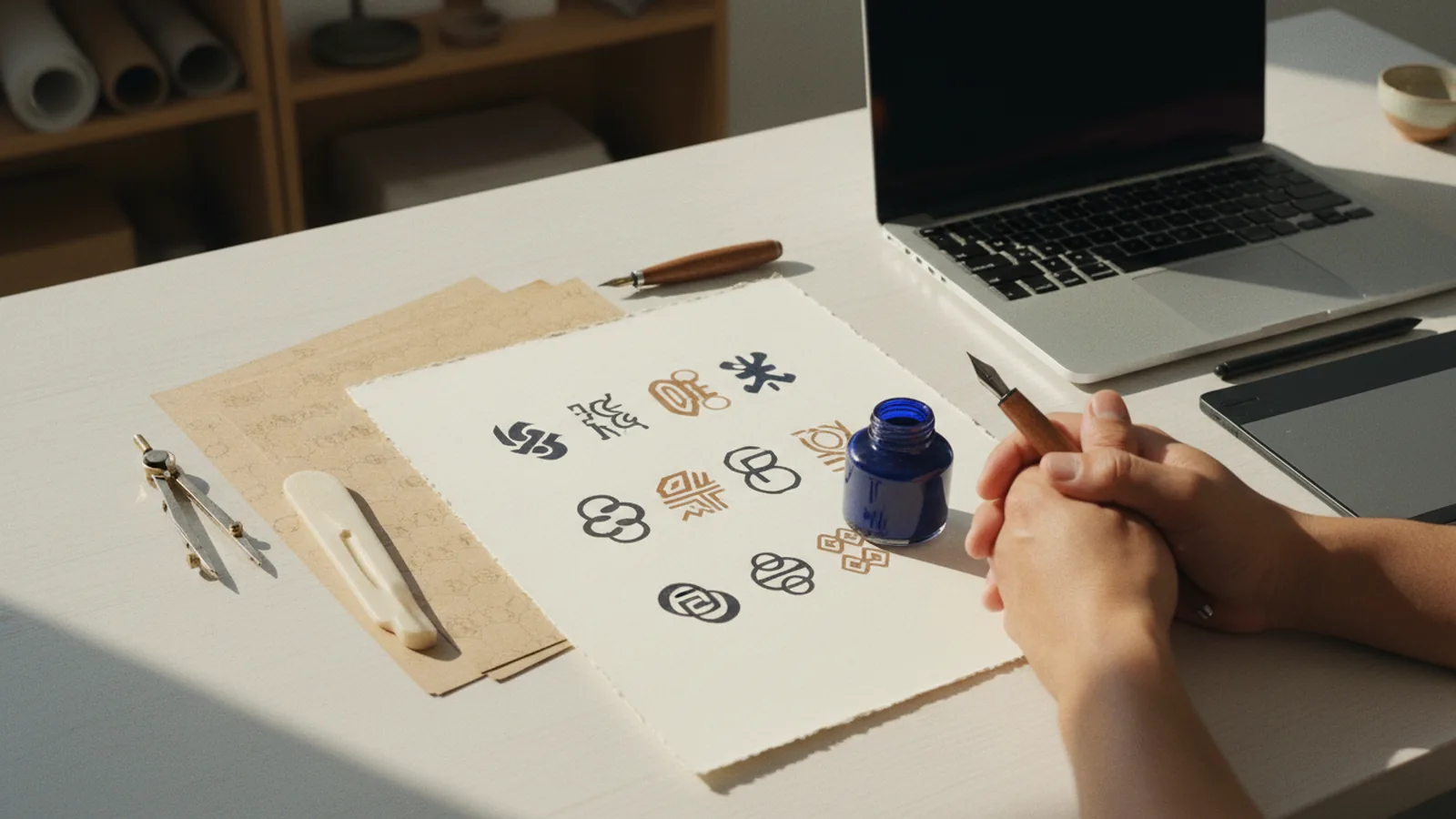
A good logo starts with clear intent. Before you draw anything, write down who you serve and what problem you solve. Then define the one action people should take after seeing the logo.
Next, pick the brand vibe you want. Choose words like calm, bold, playful, or premium. These words guide your type choice, spacing, and shape language.
Finally, decide the logo format you need. Many brands start with a simple mark plus a wordmark. You will reuse that pair across your site, social posts, and product pages.
- Audience: who needs your product or service
- Promise: what result people expect
- Vibe: how the brand should feel
- Use cases: where the logo must work
Brainstorm concepts and build a style direction
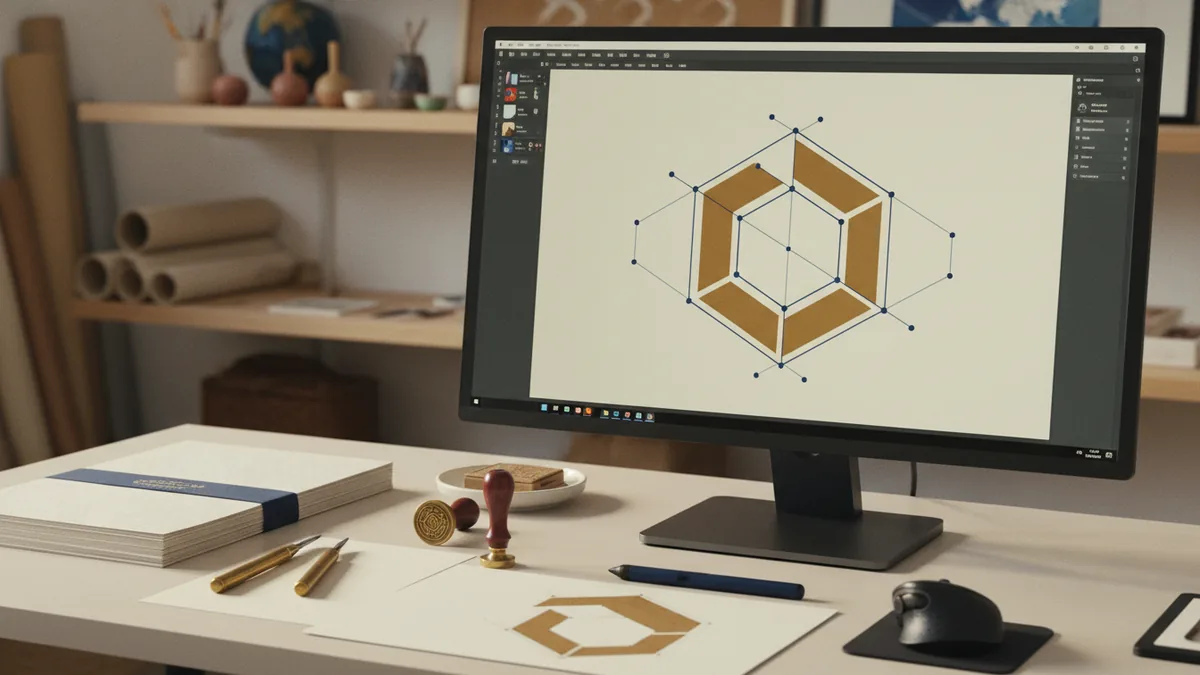
When people ask how to design a logo from scratch, they often skip the idea phase. Do not jump to vectors too early. Instead, create a mood board with references you like and ones you dislike.
Then turn those references into a short list of concepts. Use simple categories like symbol, monogram, wordmark, or badge. If you can explain your concept in one sentence, you are ready to sketch.
Sketching is about speed. Make 20 to 40 rough thumbnails in 30 to 45 minutes. Do not polish yet. Try variations in shape, alignment, and icon style.
- Collect 15 visual references for your vibe
- Write 5 concept statements in plain language
- Sketch 20 to 40 thumbnails quickly
- Pick 3 that fit your brand goals
Choose the right logo structure
Most logos can be built from a few structure types. A symbol works without text, while a wordmark relies on typography. A combo mark pairs both and gives you flexible layouts.
To make your own logo from scratch, think about legibility first. If your icon is too complex, it will break at small sizes. Create a simple silhouette. Then add details only if they still read at a few pixels tall.
Color should also support structure. Start with one main color and one accent. If you plan for a free logo design workflow, using fewer colors helps you export faster and test better.
| Logo type | Best for | Key risk |
|---|---|---|
| Symbol | Products, icons, apps | Over-detail |
| Wordmark | Established names, simple brands | Low uniqueness |
| Combo mark | New brands needing flexibility | Too many elements |
Design typography and shape rules
Typography often decides whether a logo feels professional. Pick a type style that matches your vibe. Then test spacing carefully so letters do not look cramped or floating.
If you are learning how to create a logo from scratch for free, you still need rules. Use a consistent baseline concept for wordmarks. For symbols, align edges and centers so shapes feel intentional.
Shape language matters as much as font choice. Rounded shapes feel friendly. Sharp angles feel energetic. Use contrast to create hierarchy, not noise.
- Hierarchy: make the main mark read first
- Consistency: keep stroke widths even
- Spacing: adjust tracking and side bearings
- Contrast: reserve bold elements for emphasis
Build the logo in vector tools
Vector tools make your logo scalable and export-friendly. This is where you turn sketches into clean shapes. You also set up versions for light, dark, and monochrome backgrounds.
Use a simple workflow. Start with the symbol outline and then build the wordmark. Group related elements. Name your layers clearly so you can iterate without confusion.
If you want how to create your own logo from scratch in illustrator, focus on drawing with basic shapes first. Use the pen tool only when needed. Duplicate and transform elements rather than redrawing everything.
If you want how to make your own logo from scratch in photoshop, treat Photoshop as a layout and draft tool. Create a clean mockup, then move the final art to a vector workflow if possible. That keeps edges sharp across sizes.
How to create a logo from scratch in Illustrator
Start a new document with an artboard sized for export. Then place your best sketch as a guide. Trace key shapes with the pen tool, but simplify wherever you can.
Work with fills first, and add strokes only if they help readability. Keep corners consistent. After that, test your mark at small sizes by zooming out until it feels like a favicon.
Finally, set up export-ready versions. Create one colored version, one one-color version, and one white-on-dark version. Save each as its own file.
- Place the sketch on a new layer
- Trace symbol shapes with basic vector tools
- Build the wordmark with a matching font
- Test at small size and adjust spacing
- Export colored, monochrome, and inverted versions
How to make a logo from scratch in Photoshop
Photoshop can help you refine color and layout quickly. Start by creating a canvas with your target sizes. Then use vector shape layers for any clean geometry you need.
When you use type, check that it stays legible at smaller mock sizes. Use alignment guides and keep margins consistent. If your design depends on crisp edges, consider converting final shapes to vector later.
For a free logo design workflow, aim for quick iteration. Make a few color swaps and background tests. Choose the version that still looks clear on a dark theme and a light theme.
- Use shape layers to keep edges clean
- Limit to one accent color when possible
- Test on light and dark backgrounds
- Export with transparent background for flexibility
Refine, test, and prepare files for real use
Iteration turns a sketch into a usable mark. Gather feedback from people outside your design circle. Ask them what they think your brand does and how the vibe feels.
Then test practical constraints. Your logo must work in tiny sizes, on mobile app icons, and on dark mode. It also must look fine in one color because printing and embroidery may limit colors.
When you finalize, prepare a small file pack. Include a transparent PNG for quick use and an SVG or PDF for scaling. Keep the original working file so you can update colors later.
| File | Where it helps | What to check |
|---|---|---|
| SVG or PDF | Web and print | Scales cleanly |
| Transparent PNG | Fast previews | No jagged edges |
| Monochrome version | Badges and stamps | Reads in one color |
Common mistakes when you create a logo from scratch
One common issue is cramming too many ideas into one mark. If the symbol is busy, simplify the shape and reduce internal detail. Another issue is relying on trendy type that may not fit the brand personality.
Also watch color choices. Logos should keep meaning in grayscale. If your accents vanish when converted, adjust contrast and line weights.
Finally, avoid exporting only one version. Many teams design a colored logo and forget inverted or monochrome exports. That makes your logo harder to use across real pages and products.
- Over-detail in the symbol
- Unclear hierarchy between symbol and text
- Colors that fail in grayscale
- Only one export version
Design your logo from scratch for free: a realistic plan
If your goal is how to design a logo from scratch for free, start with a simple concept. Choose either a symbol or a wordmark first. That reduces complexity and makes it easier to test quickly.
Use free tools for drafting and layout. Then, when you are ready for final polish, consider moving into a vector workflow. Even with free options, the key is still the same: legible shapes, consistent spacing, and clean exports.
Keep the scope small for your first iteration. Create one main logo plus one monochrome version. Once that works everywhere, you can add variations.
- Draft 3 concepts and pick one direction
- Design a simple symbol or wordmark
- Test legibility on light and dark backgrounds
- Export transparent and one-color versions
- Lock the final colors and spacing rules
FAQ
- How long does it take to create a logo from scratch?
- A first solid draft often takes 3 to 8 hours. Real refinement and export prep can add another 2 to 5 hours.
- What software do I need to design a logo from scratch?
- You can draft in many tools, but a vector workflow is best for final files. Illustrator and similar vector editors work well for this.
- How can I create a logo from scratch for free?
- Draft your ideas with free tools and keep the design scope simple. Once you have a strong concept, move to a vector workflow for crisp exports if needed.
- Should I use Photoshop or Illustrator for logo design?
- Use Photoshop for layout drafts and color testing. Use Illustrator for clean vector shapes and export-ready logo files.
- What file types should I export for my logo?
- Export at least a transparent PNG and a scalable vector file like SVG or PDF. Also prepare monochrome and inverted versions for real use.