How to Make a Logo for Instagram: From Idea to
Learn how to make a logo for Instagram. Get simple steps, sizing tips, and design ideas for a profile picture and page logo.
Start with the right goal for your Instagram logo
An Instagram logo should work at tiny sizes. It must still look clear in a profile circle and in small tiles. If the logo turns into a blob, people will not recognize you.
Before you create a logo for Instagram, pick the use case. Most creators need two versions. One is for your profile picture. The other is for your page header and posts.
Define how your brand should feel. Think about “friendly,” “bold,” or “premium.” Then choose one core symbol and one readable wordmark, if you need text.
- Profile picture: simple shape, high contrast, minimal detail
- Page logo: slightly more detail, consistent colors, stable spacing
- Posts: same brand mark, resized for templates
Design a logo concept that survives small sizes
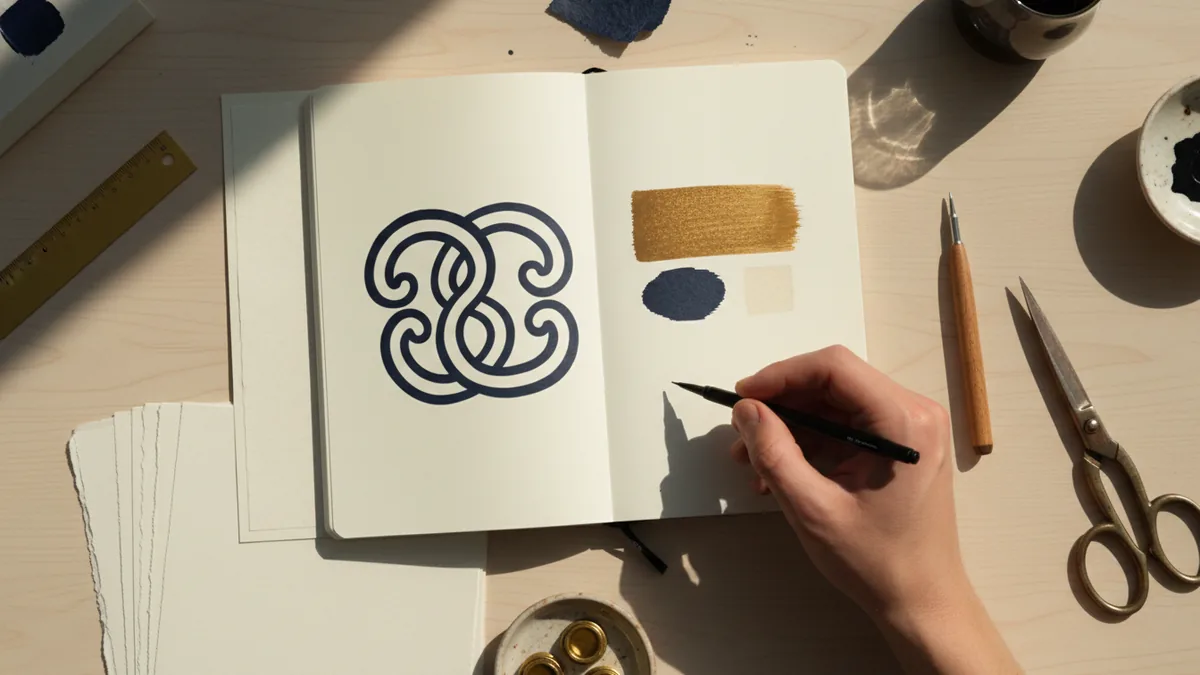
To create your own logo for Instagram, start with a short concept list. Write down 5 symbols that fit your niche. Then pick one symbol that can be reduced to a single clear silhouette.
Keep the concept narrow. A logo is not a full poster. It should say “who you are” in one glance when it is only a circle.
Choose a style that matches your content. If you post product photos, a clean icon can feel modern. If you teach skills, a readable monogram can build trust. If you share art, an abstract mark can stand out.
- Pick one symbol or monogram concept
- Limit shapes to 2–4 core forms
- Use one primary color plus a neutral
- Decide if text is required or optional
If you use letters, design for the smallest view first. Make sure each character has clear edges. Avoid thin strokes and overly decorative fonts.
Test your logo concept by shrinking it. If you cannot read it at a tiny size, simplify it. This is the fastest way to learn how to create a logo for Instagram that actually works.
Build the logo in a design tool (vector first)
When you create a logo for Instagram profile picture, vector is your best friend. Vectors scale without turning blurry. That matters because you will reuse your logo in stories, highlights, and thumbnails.
You do not need advanced design skills to start. Use a simple canvas and build your logo from basic shapes. Then group the shapes into a single mark.
Export at least two formats. Use PNG for quick use. Use SVG or PDF for edits later, if your tool supports it.
| What you make | Why it matters | How to prepare |
|---|---|---|
| Profile mark | Shows clearly inside a circle | High contrast, thick lines, one focal element |
| Page logo | Looks good on your profile visuals | Keep spacing and brand colors consistent |
| Text version (optional) | Helps recognition on banners | Use when size is larger than the circle |
Export the right sizes for your Instagram profile picture
You do not need to overthink dimensions, but you do need clarity. Your photo will be shown in a circle. So center the icon and avoid placing key details near the edges.
When you make a logo for Instagram page, use consistent margins. Your mark should not get cut off in smaller views. Also, keep the same color palette so it looks like one brand system.
Here is a practical export plan for a logo on Instagram. It covers the profile picture, plus versions you can use for posts and highlights.
- Square PNG for profile picture, transparent background if possible
- SVG or PDF master for future edits
- Optional large PNG for banner and cover visuals
How to create a logo on Instagram (using your saved files)
Instagram itself is not a design tool. You create the logo in a graphic app first. Then you upload it as your profile picture.
Open your Instagram settings. Then update your profile photo with your exported logo file. This is the “how to create a logo on instagram” part that most people miss. The design happens before the upload.
After you upload, check it on your profile. Zoom out and look at it in a feed. If it looks unclear, go back and simplify the icon.
Turn one logo into a complete Instagram brand set
After you learn how to make a logo for instagram profile picture, you should reuse it everywhere. Create a small set of variations so your brand looks consistent. That set keeps you from resizing the logo incorrectly.
Make a “small mark” for circles and a “full mark” for larger layouts. If your page has covers or highlights, use the mark that fits the space. You can also create a version with only the symbol, without text, for extra flexibility.
If you are figuring out how to create a logo for Instagram page, plan your color usage too. Choose one background color and one text or icon color. Then keep them consistent across posts.
- Symbol-only version for tiny sizes
- Full logo version for banners and templates
- One-color version for quick use
- Background-safe version for light and dark themes
Common mistakes when you create a logo for Instagram
Many people over-detail their logo. They add gradients, tiny icons, and lots of lines. Then the profile picture becomes unreadable.
Another common mistake is using low contrast. Instagram backgrounds vary by theme and preview. Your logo must still pop in a feed.
Finally, do not rush the “first upload test.” After you update your profile, check recognition from a short distance. If people cannot tell it is you, simplify.
- Too many elements for a small circle
- Thin strokes and small text
- Low contrast colors
- No simpler symbol fallback
A quick checklist before you upload
Before you make logo for instagram page or profile, run a quick checklist. It saves time and keeps your brand sharp. You can do it in minutes.
- Can you recognize it when it is very small?
- Is the main symbol centered and bold?
- Does it still look good without text?
- Do your colors stay consistent in light and dark views?
FAQ
- How to make a logo for Instagram profile picture that stays readable?
- Use one simple symbol or monogram with thick lines. Test by shrinking it until it becomes a small circle.
- How to create a logo for Instagram page that matches your profile?
- Build a consistent color palette and spacing rules. Use the same symbol, and only add extra text when the layout allows it.
- How to create logo in Instagram when I do not know design tools?
- Create the logo in a graphics app, then upload it as your profile photo. Instagram is mainly for updating visuals, not creating them.
- What file type should I use to make logo for Instagram?
- Export a PNG for quick uploads. Keep an editable master like SVG or PDF for future updates.
- How to make logo for Instagram page without clutter?
- Remove extra details and keep the design to 2–4 core shapes. If text is hard to read, use a symbol-only version instead.