How to Make a Logo Rainbow for Pride
Learn how to make a logo rainbow for pride. Get practical steps for clean colors, layout, and Canva export tips.

What “logo rainbow” usually means for pride designs
A rainbow logo for pride usually means your brand mark keeps its shape. Then you swap its fill colors to a rainbow gradient.
People often aim for “readable at small size.” That means strong contrast, simple bands, and clean edges.
You can do this in multiple ways. Each method changes how the logo looks on dark backgrounds and print materials.
- Rainbow fill: the logo keeps one solid shape, but the inside becomes rainbow.
- Rainbow outline: only the border gets rainbow colors.
- Rainbow bands: the logo is built from stripes or a segmented gradient.
Before you start, decide where the logo will be used. A website header needs different contrast than a T-shirt print.
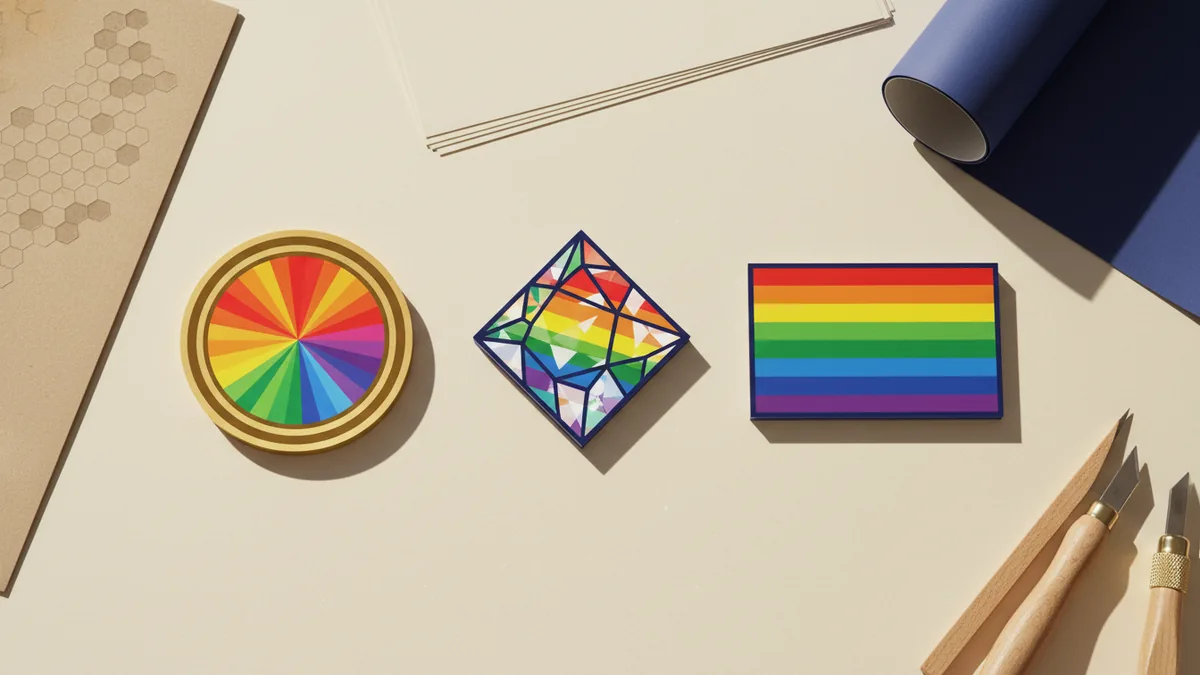
Choose a rainbow style that fits your logo shape
Not every logo works with every rainbow style. Thin lettering can blur if the gradient is too busy.
Start with a quick test. Place your logo on a dark and a light background and zoom to 25%.
Then pick one rainbow approach that matches your mark’s complexity. Here are solid defaults that usually look good.
- Linear gradient: clean for icons and circular marks.
- Radial gradient: good for badges and emblems.
- Discrete bands: best when the logo has clear edges.
- Soft blend: works for larger shapes, not tiny text.
If your logo has a lot of detail, keep the rainbow simple. Use fewer color steps and wider transitions.
If your logo is mostly text, consider rainbow only on the main strokes. Keep a single contrasting color for smaller parts.

How to make a pride logo rainbow (practical steps)
There are two common paths. You can recolor an existing vector logo or apply a rainbow layer to your artwork.
If you have a vector file (SVG, AI, PDF), you get the cleanest results. You can edit fills and gradients without losing sharpness.
If you only have a raster file (PNG, JPG), you still can make it work. But you will likely need a bit more care to avoid blurry edges.
- Open your logo in an editor. Use a vector tool when possible, or a design tool for quick edits.
- Separate background from logo. Remove any solid background so the rainbow can sit cleanly.
- Apply a rainbow gradient. Match the gradient angle to your logo’s layout.
- Clip the rainbow to the logo shape. This keeps color only inside the mark.
- Check contrast on multiple backgrounds. Test both dark and light surfaces before final export.
- Export with the right format. Use PNG for web, and SVG or PDF for print-ready vector work.
These steps are the core of how to make a logo rainbow that still looks like your brand. They also work for how to make my logo rainbow for pride.
For a clearer “how to make a rainbow logo” process, the key is clipping. Clipping prevents rainbow bleed outside your logo edges.
If your logo uses multiple colors already, avoid a full recolor. Instead, pick one primary area to turn rainbow while keeping secondary colors readable.
If you need how to make your logo rainbow for pride with limited time, use an “outline” style. Rainbow outlines often stay crisp at small sizes.
How to make a rainbow logo in Canva for pride
Canva is a popular choice when you need speed. The easiest path is to use a gradient fill and then apply it to your logo elements.
First, upload your logo. Then make sure you have an editable version when possible.
If your logo is a single flat shape, Canva usually recolors more easily. If it is complex, you may need to ungroup elements.
- Upload your logo to Canva and place it on a new design.
- Select the logo element(s) and ungroup if Canva allows it.
- Open the color or edit option for the element you want to turn rainbow.
- Choose a gradient and set it to rainbow-like stops.
- Adjust the direction of the gradient to match the mark.
- Preview on dark and light backgrounds and tweak contrast.
For “how to make rainbow logo in Canva” the practical goal is a smooth gradient across the logo. If the gradient looks uneven, rotate the gradient direction.
For “how to make your logo rainbow for pride canva” specifically, export in a format that matches your use. For web use, PNG works well.
If you need it for print, keep edges clean. Canva exports can still be fine, but vector is best when available.
Also keep file sizing in mind. A rainbow logo should stay legible when scaled down on social posts.
Troubleshooting: crisp edges, wrong colors, and low contrast
Most rainbow logo issues come from two places. The first is color banding from low-res images. The second is low contrast on certain backgrounds.
If you see fuzzy edges, you likely started with a raster image. Try to get a vector version from your logo source.
If you see stripes that look “off,” your gradient may be clipped incorrectly. Re-check that the rainbow only fills the logo shape.
- Banding: increase output size before export or use a vector file.
- Bleeding: ensure the rainbow is clipped to the logo shape only.
- Faded look: increase saturation or add a contrasting outline.
- Hard-to-read text: use rainbow on large letters only.
When you aim for how to make a rainbow logo for pride, contrast matters as much as the gradient. Add a thin outline if the rainbow becomes hard to see.
If your logo sits on a busy background, use a solid backing shape. A simple solid block helps the rainbow logo stay clear.
Finally, export a few versions. You want one with a transparent background and one optimized for dark mode.
Export checklist for a clean rainbow logo
A good export makes the difference between “looks great on screen” and “works everywhere.”
Before you finalize, confirm the logo looks right in the sizes you actually use. Then keep separate files for each use case.
| Use case | Best format | Notes |
|---|---|---|
| Website header | PNG | Use a version that matches your site background. |
| Social profile | PNG | Check legibility at small sizes. |
| T-shirt print | SVG or PDF | Ask your printer what they prefer. |
| Design edits later | SVG or layered source | Keep an editable copy. |
- Keep a transparent-background version.
- Create a dark-background version.
- Create a light-background version.
- Test at small scale and normal scale.
This is the practical end of “how to make logo rainbow” the right way. You get a pride rainbow logo that stays crisp, readable, and reusable.
FAQ
- How do I make my logo rainbow for pride without it looking messy?
- Use a simple gradient with fewer color steps. Clip the gradient to the logo shape and test at small sizes.
- What is the easiest way to make a pride logo rainbow in Canva?
- Upload your logo, ungroup if needed, then apply a rainbow-like gradient to the selected element. Adjust the gradient direction and preview on dark and light backgrounds.
- How do I make a rainbow logo that still looks readable on a dark background?
- Increase contrast by adding a thin outline or keeping key strokes a solid color. Also create a version built specifically for dark backgrounds.
- Can I make a rainbow logo from a JPG or PNG?
- Yes, but edges may look softer than a vector logo. If possible, get a vector source and apply the gradient to clean shapes.
- How do I make logo rainbow for pride canva and export it cleanly?
- Export a high-quality PNG for web use. For print, use SVG or PDF if your tool supports vector exports.